For: Confluence admins.
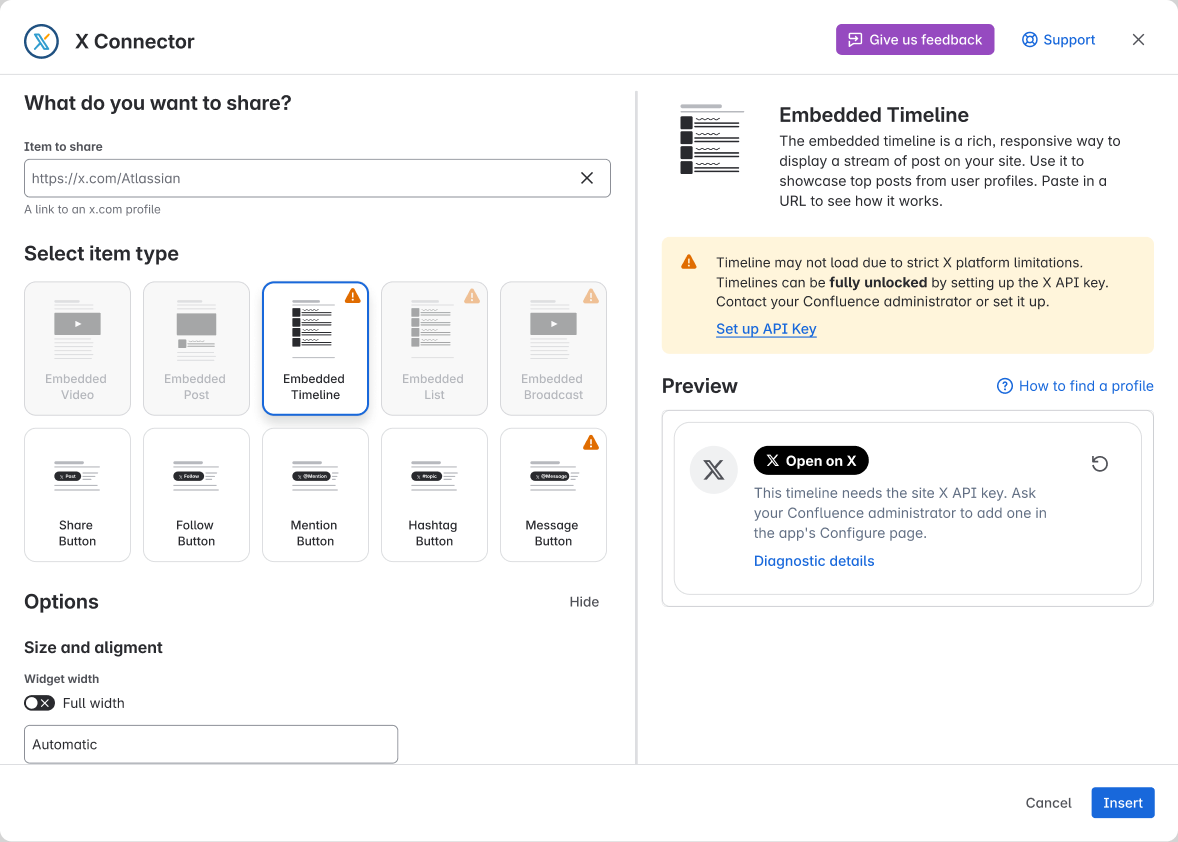
Connect the site’s X API key so the app can fetch timeline posts. Without it, X’s public embed may show no posts.
What you may see
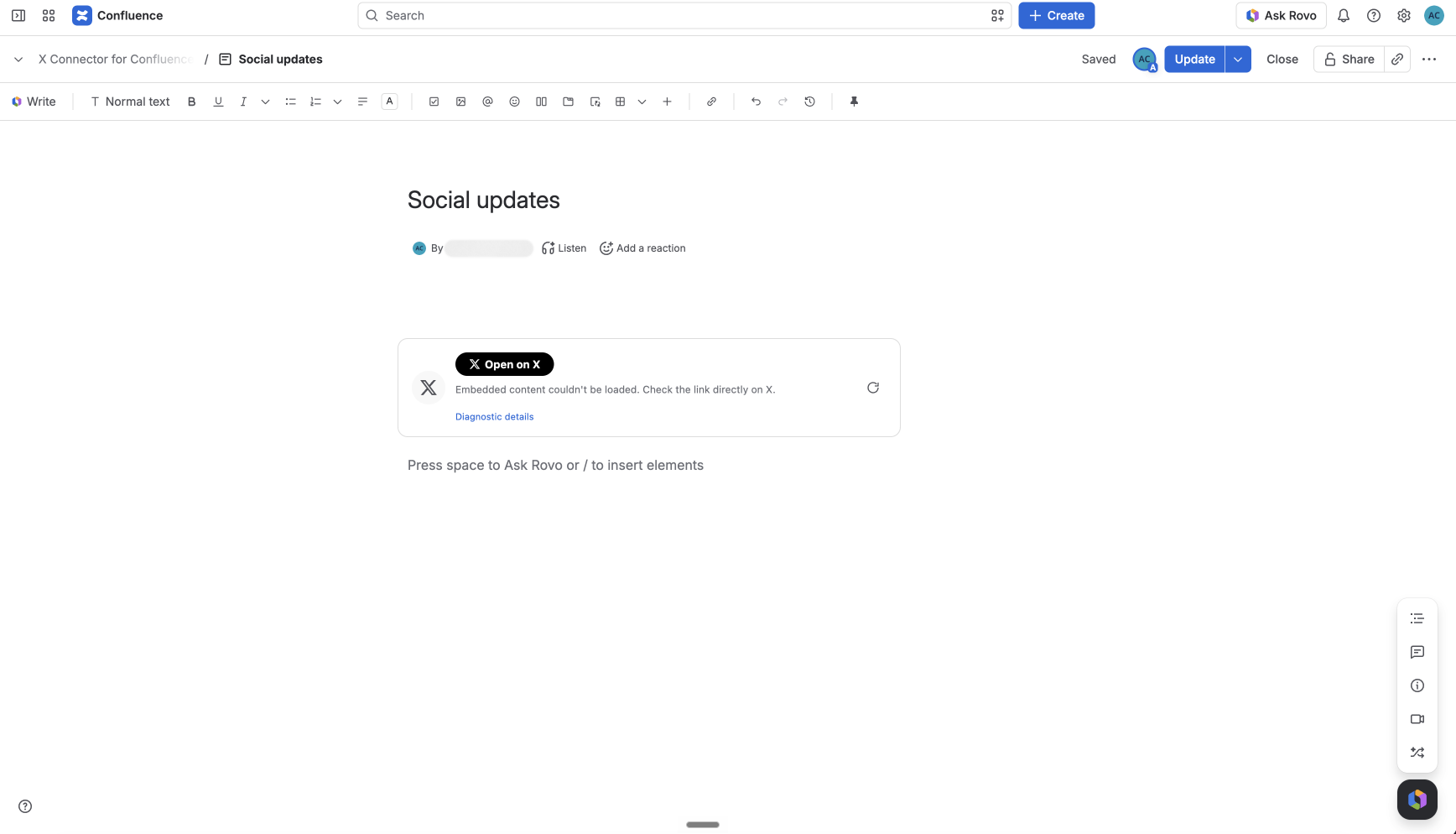
“This timeline needs a site X API key”. The editor shows this message. Readers may see a shorter one.
What to do
-
Open Manage apps → X Connector for Confluence → Configure.
-
Follow Connect your X API key. Save the X app’s Bearer Token and check credits.
-
Ask an editor to preview a public profile or List timeline.
Check the result
Preview a public profile or List timeline. Check that posts load. Then view the page as a reader. If it fails, use the error text to find the right guide to fix the problem. Editors must ask an admin to set up the key. They must not paste a token into the embed.
Need help? Contact support. Send the page URL, the public X link, your role and when it failed.