
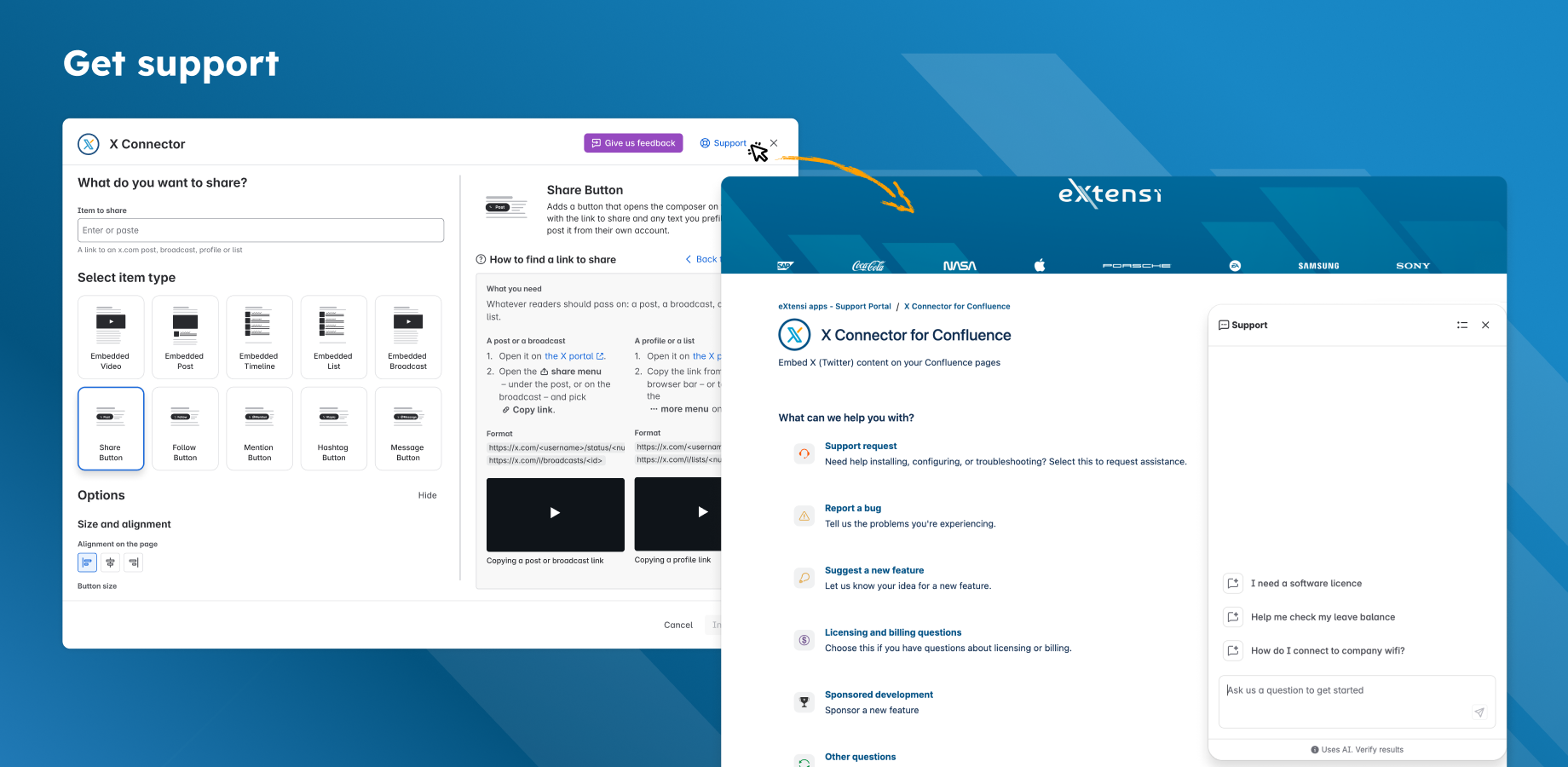
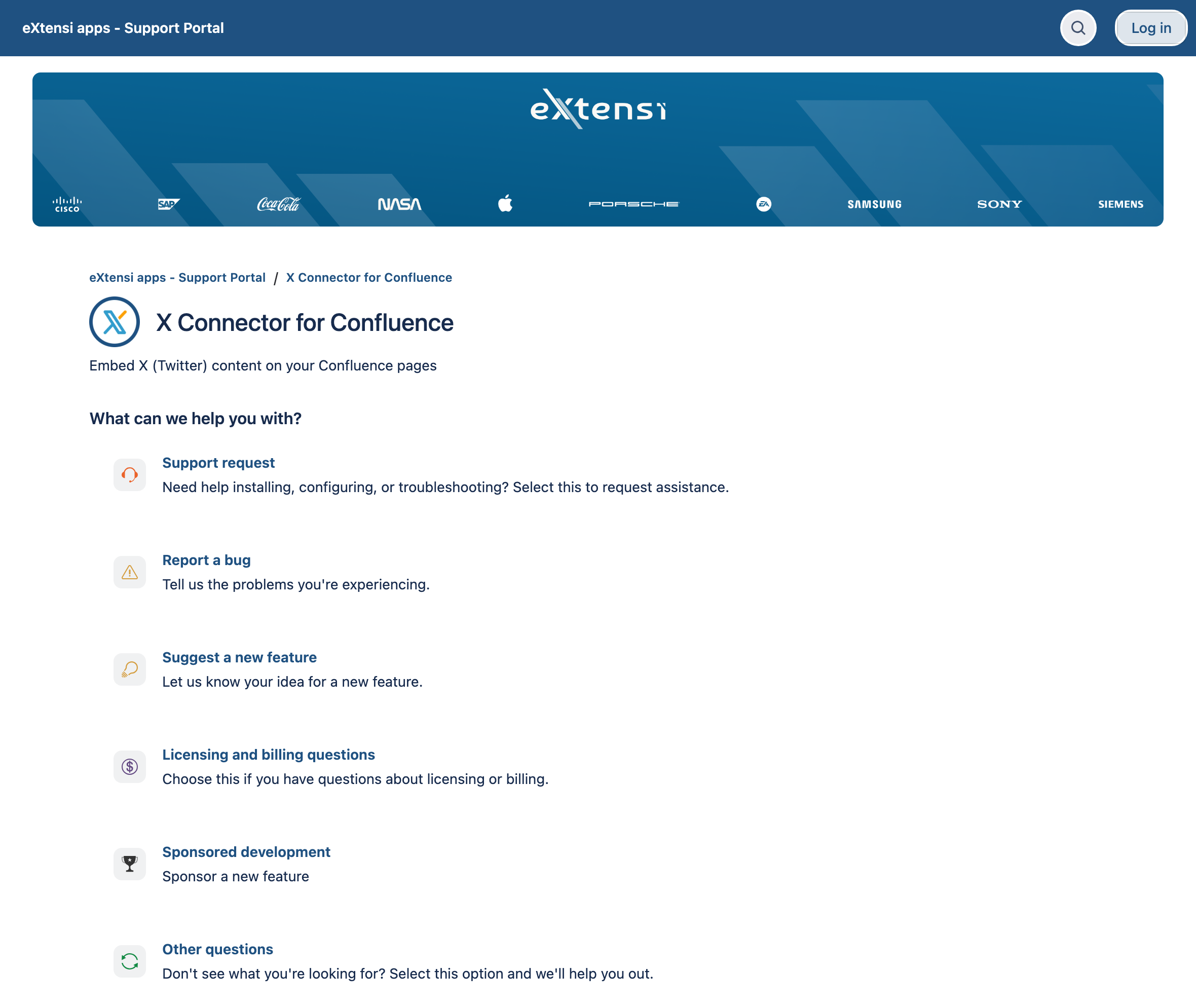
If content will not load, start with Fix a problem. To report a bug, ask about setup or suggest a feature, open the X Connector support portal.
Send a useful request
-
Choose the request type that fits your question.
-
Add the Confluence page URL, the public X link and the error message you see.
-
Say whether you are a reader, editor or admin. Include when it happened.
-
Add a screenshot if useful. Hide private content and your X API Bearer Token.
Never include a password, API key or Bearer Token in a support request.
Formerly titled “Support Portal Guide.”