For: Page editors.
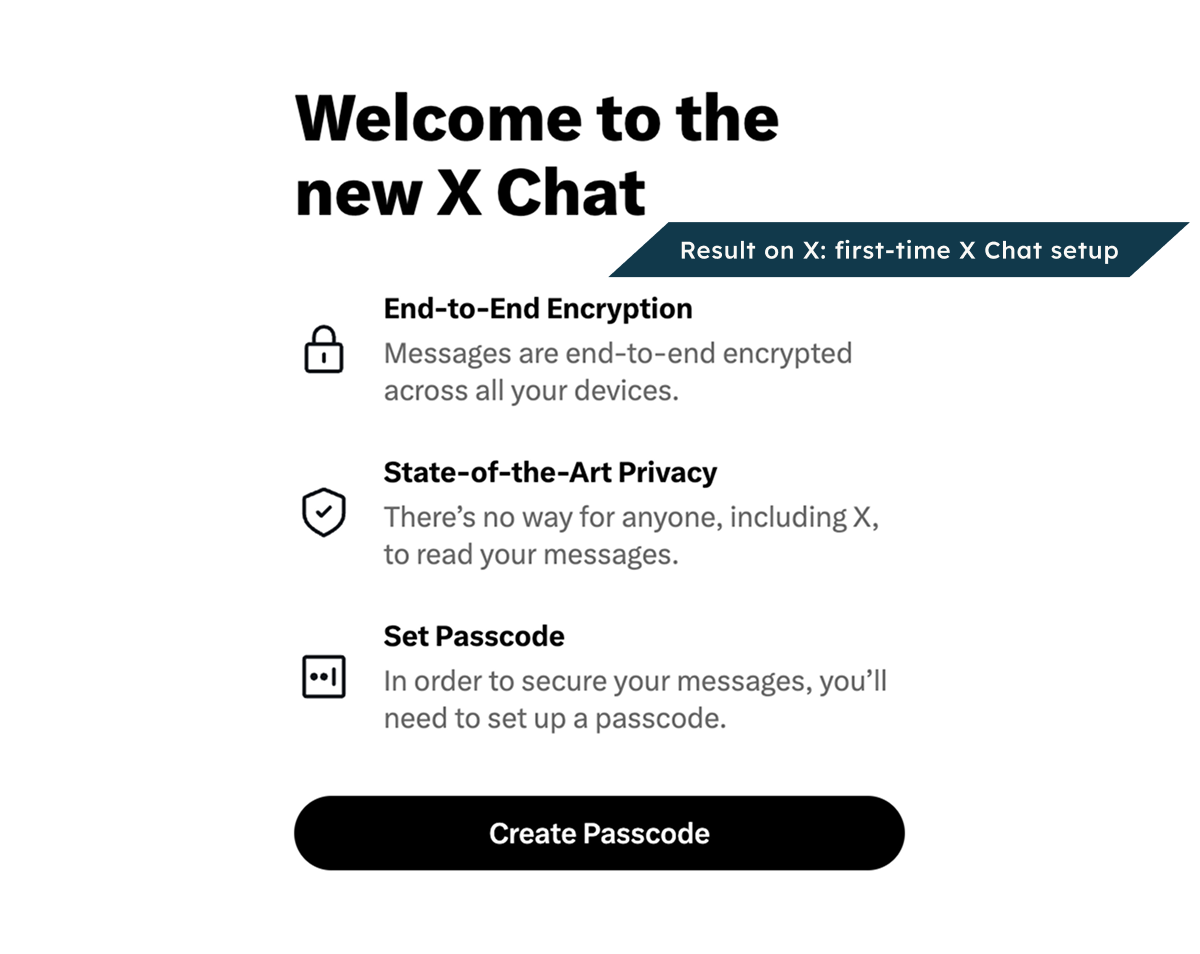
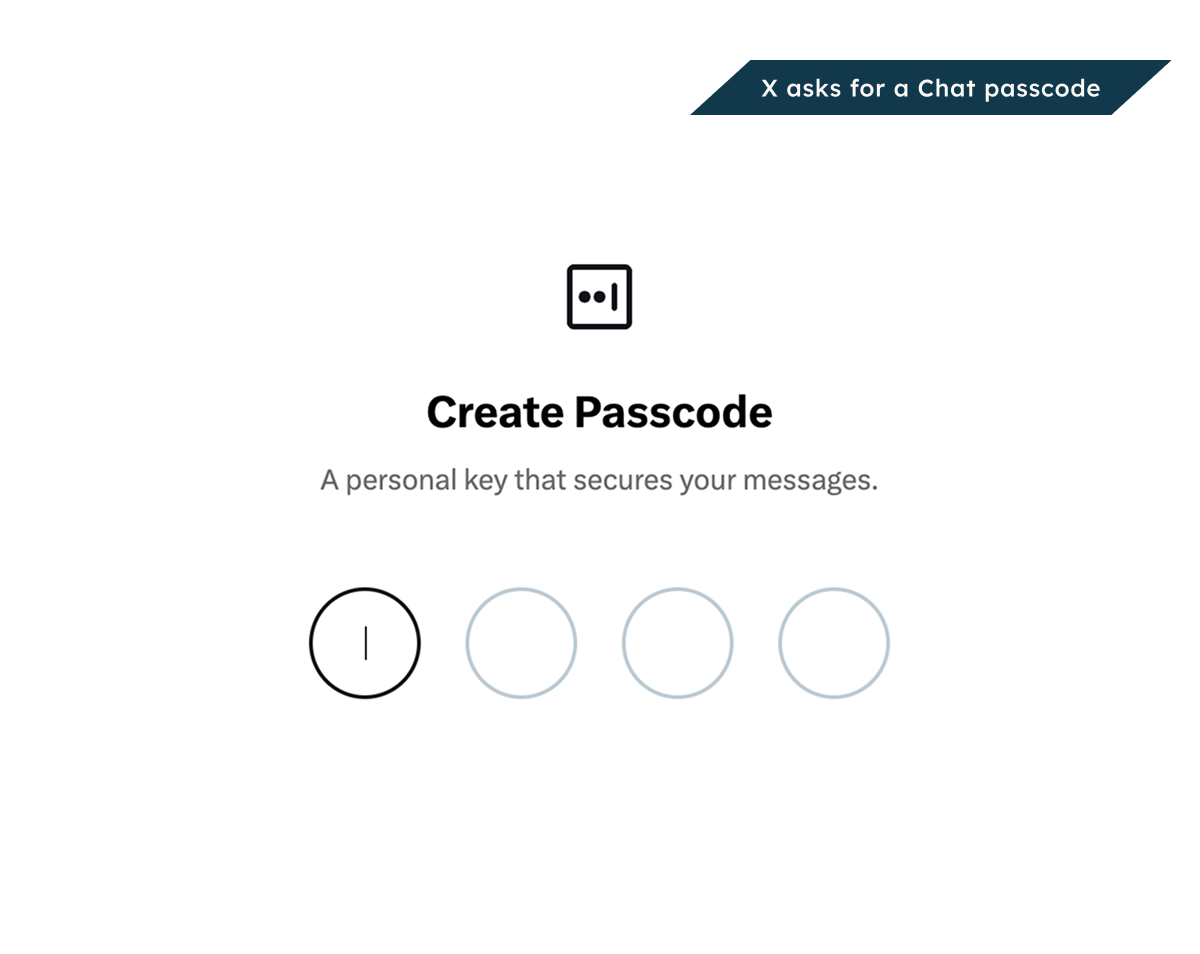
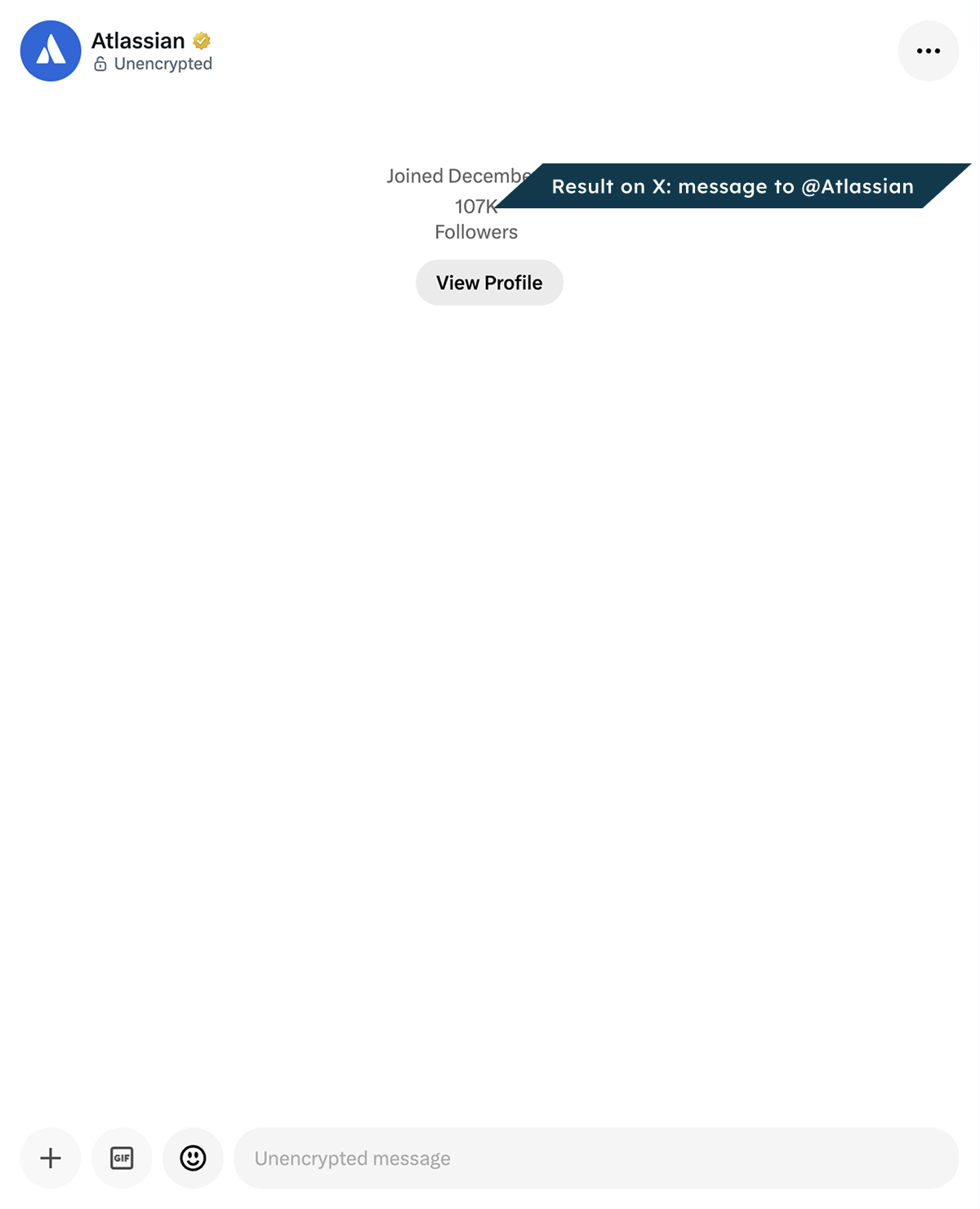
Add a Message button, so readers can write to an X account in private. A click opens X in a new tab, with a message to that account. Readers write and send it from their own account.
Live example
This Message button is set to the @Atlassian account. Try it: select it, and X opens a private message to that account in a new tab. You write and send it from your own account.
On your own contact page, you can put it below “Send a private message on X”.
Before you start
-
You can edit this page.
-
You have a profile URL, @username or X user ID made of digits.
-
For a profile or username, ask your admin to connect the site X API key. The app needs that key to find the ID. If you know the ID, you can use it without a key.
It works for all readers only if the account takes messages from anyone. Readers send the message on X. The page has no inbox.
Add it to a page
-
Open the page’s insert menu. Choose Message Button.
-
Enter a profile URL, @username or X user ID made of digits in Item to share.
-
Choose your settings and check the preview.
-
Choose Insert.
-
On a regular page, publish or update it. Others can then see what you added.
To change it later, open its editor.
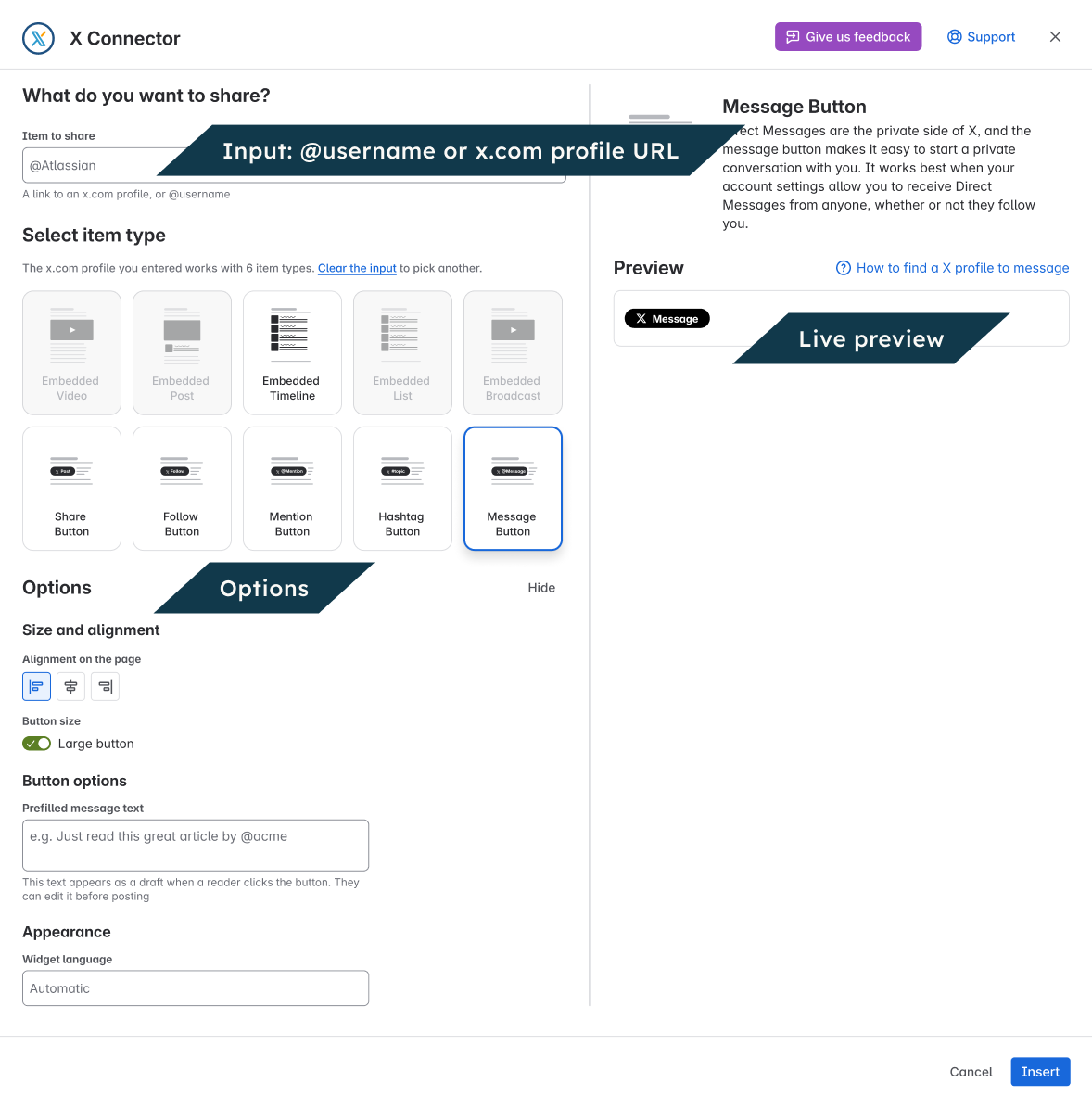
Settings
|
Setting |
What it does |
|---|---|
|
Prefilled message text |
Starting text the reader can review on X. |
|
Large button |
Use a larger button. |
|
Alignment on the page |
Place the button left, center or right. |
|
Widget language |
Change the button label language. Automatic uses the reader’s language setting. Starting text stays in the language you wrote it in. |
Check the result
View the page as a reader. Select the button and check that it opens the right action on X. Readers choose what to do on X.