For: Page editors.
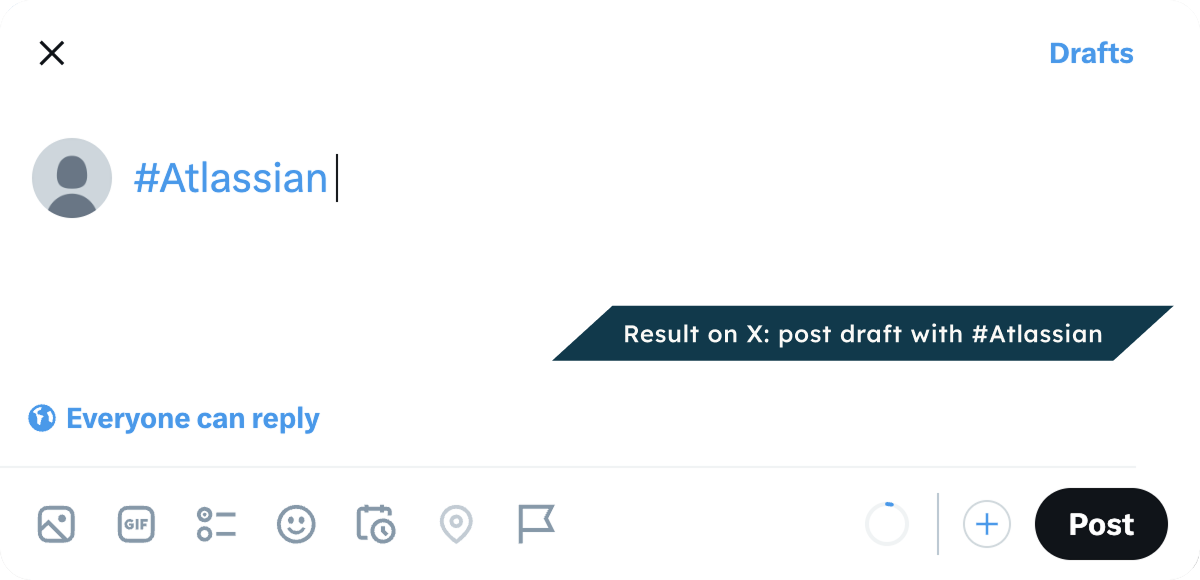
Add a Post #tag button for your event or campaign. A click opens X in a new tab, with a new post that already holds your hashtag. Readers write the rest and post it from their own account.
Live example
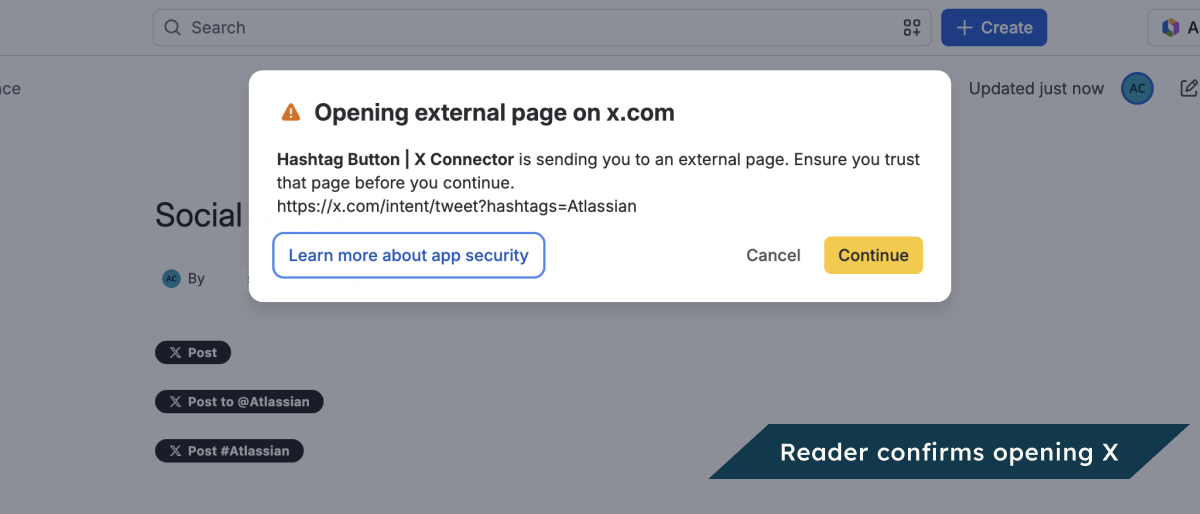
This button uses the hashtag #Atlassian. Try it: select the button. X opens in a new tab, with a new post that already holds #Atlassian. You can post it from your own account.
On an event page, you could use your event hashtag. In Prefilled post text, enter “My main takeaway from the event is…”. Readers write the rest on X.
Before you start
-
You can edit this page.
-
You have a #hashtag. You can also use a profile or username to make one.
-
You do not need an X API key.
The button opens a new post. It does not show posts with that hashtag or track how your campaign went.
Add it to a page
-
Open the page’s insert menu. Choose Hashtag Button.
-
Enter a #hashtag in Item to share. You can also use a profile or username to make one.
-
Choose your settings and check the preview.
-
Choose Insert.
-
On a regular page, publish or update it. Others can then see what you added.
To change it later, open its editor.
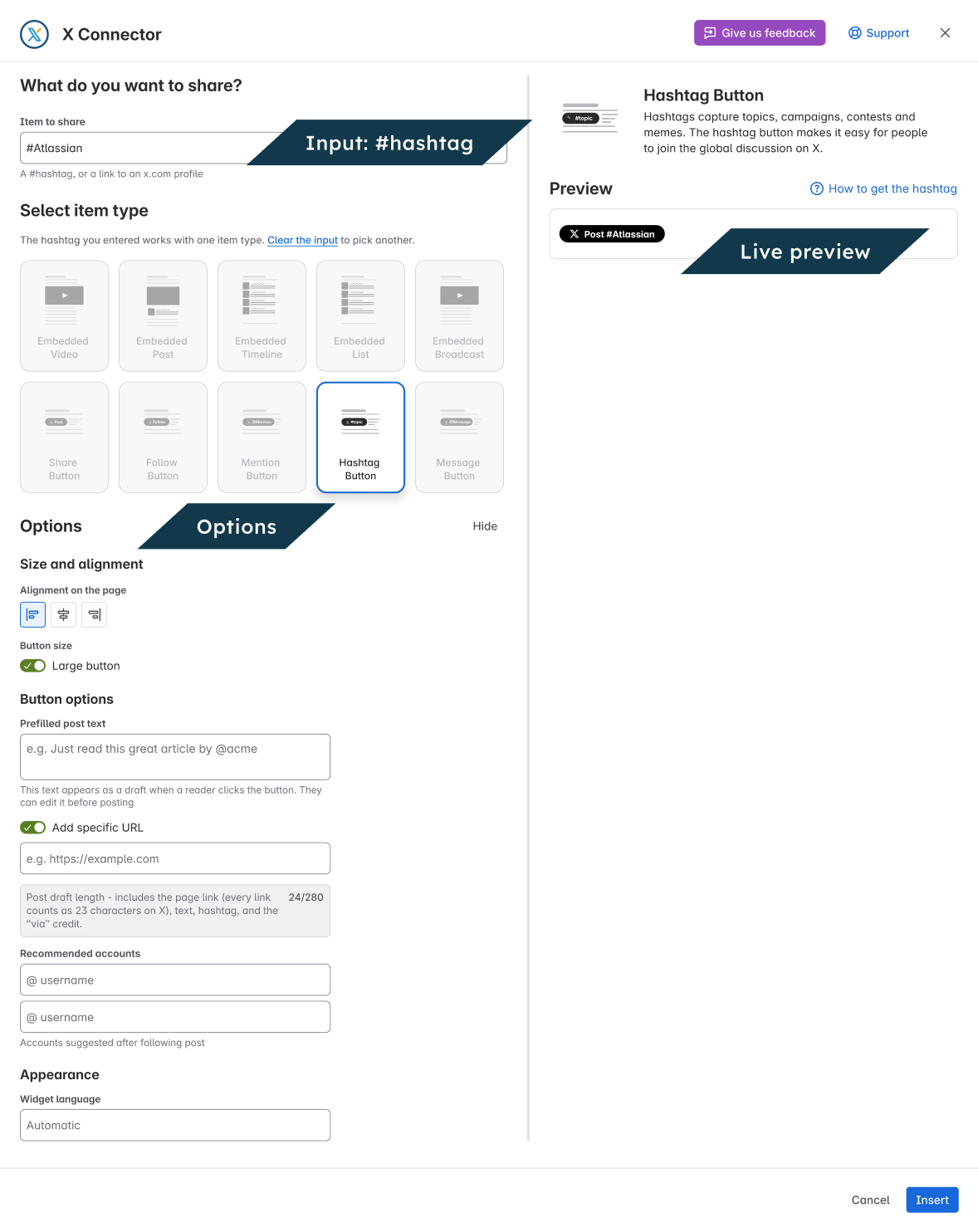
Settings
|
Setting |
What it does |
|---|---|
|
Prefilled post text |
Starting text for the post. |
|
Add specific URL |
Optional link to include in the draft. |
|
First recommended account / Second recommended account |
Suggested accounts passed to X. |
|
Large button |
Use a larger button. |
|
Alignment on the page |
Place the button left, center or right. |
|
Widget language |
Change the button label language. Automatic uses the reader’s language setting. Starting text stays in the language you wrote it in. |
Check the result
View the page as a reader. Select the button and check that it opens the right action on X. Readers choose what to do on X.