
Ask another team for help from a Confluence page: post a request, open a session or run a Q&A, saying what you need and who it is aimed at.
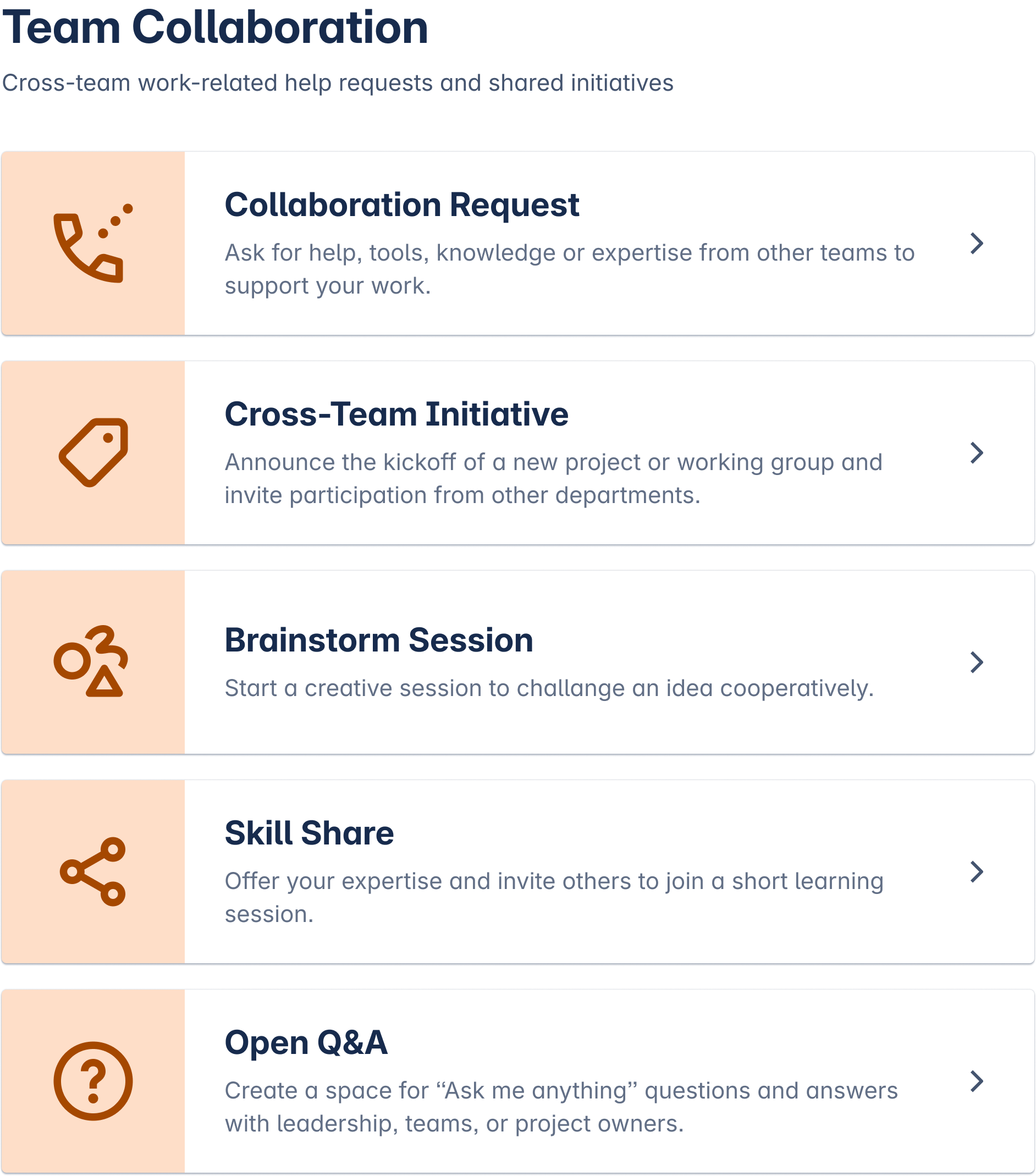
Team Collaboration is the fifth of the ten groups on the Team Hub board. Team leads and project owners publish here, and so does anyone putting a group session together. Four categories sit under it.
What you can post
-
Collaboration request, when your team needs help from another one.
-
Cross-team initiative, for work that spans several teams from the start.
-
Brainstorm session, for a meeting where the ideas come up in the room.
-
Open Q&A, when you want questions from anywhere in the company.
How the post behaves
-
A session carries its date and join details. A request carries what is needed and by when.
-
The post names the team or group it is aimed at, even though the whole site can usually see it.
-
Readers answer in comments or message the publisher privately from the post.
-
Every post has an end date. A finished session or a filled request closes itself and carries a Closed label.
-
Moderators named by a Confluence admin can edit, close or delete a post, and they leave a message saying why.
When to use another group
A team outing after a project belongs in the community board. A policy everyone must acknowledge is an announcement. A vacancy on the team belongs in internal job posts, because that is a hiring decision rather than a request for help.
Template Library lists every category and its fields. Creating a Post covers the publishing steps.