
An event post carries the date, the place or join link and the RSVP. Readers mark themselves Going or Interested on the card, without a separate form.
Events is the third of the ten groups on the Team Hub board. HR coordinators, team leads, office managers and L&D staff publish here whenever something has a date and needs people to turn up.
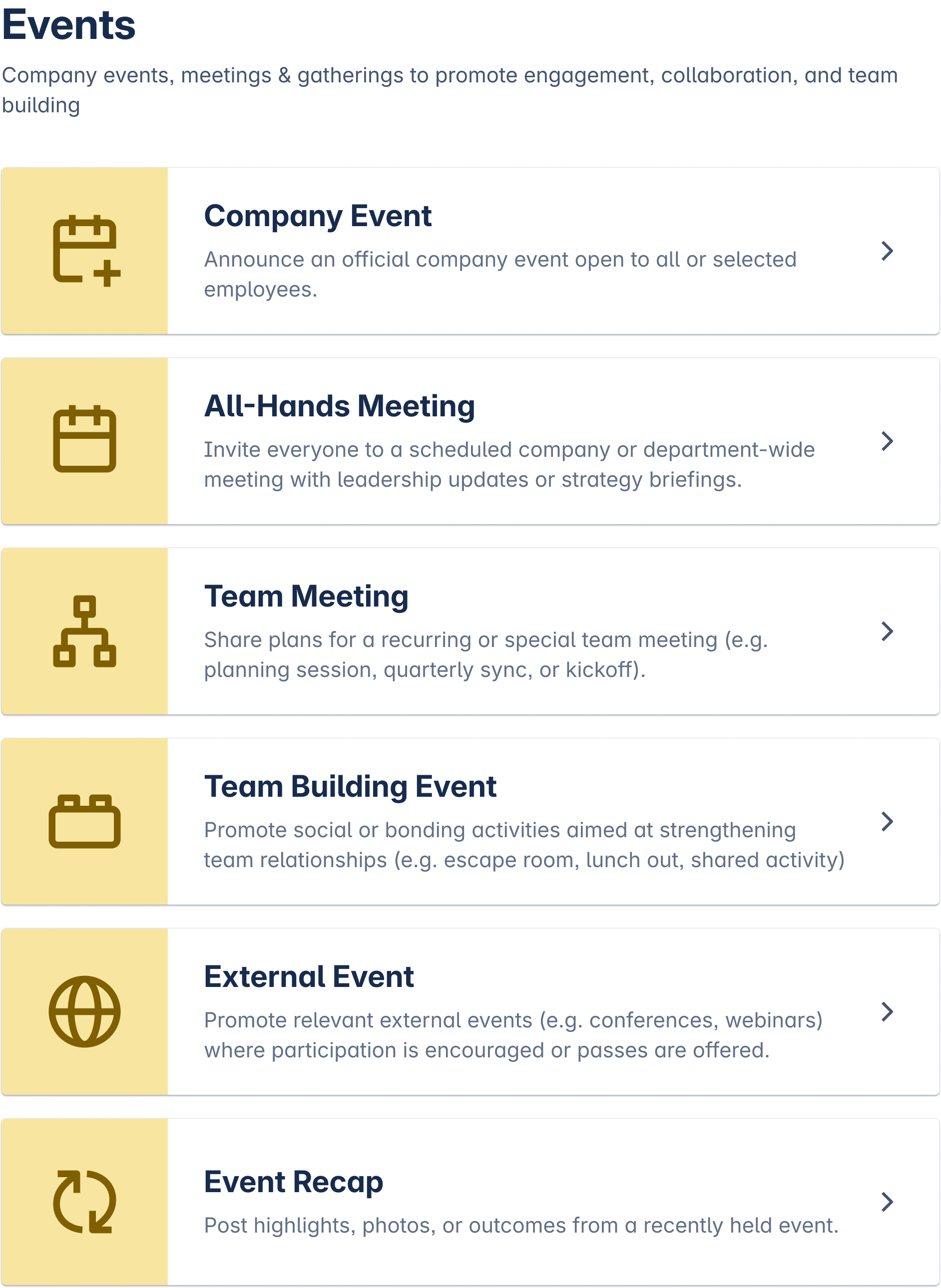
What you can post
-
Company event, for the whole organisation.
-
All-hands meeting.
-
Team meeting, where the audience can be narrowed to one team.
-
Team building event.
-
External event, for a conference or a meetup the company takes part in.
-
Event recap, published after the event with what happened.
How the post behaves
-
The form asks for the date, the location or join link, and the registration deadline if there is one.
-
Readers respond on the card itself with Going, Interested or Can't go. The publisher sees who answered what.
-
Everyone sees the post by default. Team meetings can be narrowed to one team.
-
Every post has an end date. A past event closes itself and carries a Closed label, and readers who want only what is ahead filter the board by status.
-
Moderators named by a Confluence admin can edit, close or delete a post, and they leave a message saying why.
When to use another group
A training session with a syllabus belongs in learning. A policy with an effective date belongs in announcements, because the date is context rather than a meeting. An informal get-together with no headcount to track belongs in the community board.
Template Library lists every category and its fields. Creating a Post covers the publishing steps.