
An announcement post carries an official notice to everyone on the Confluence site, with the deadline, the named contact and an end date on the card.
Announcements is the first of the ten groups on the Team Hub board. HR, internal communications, IT and legal publish here when everyone has to read something, and sometimes act on it by a date.
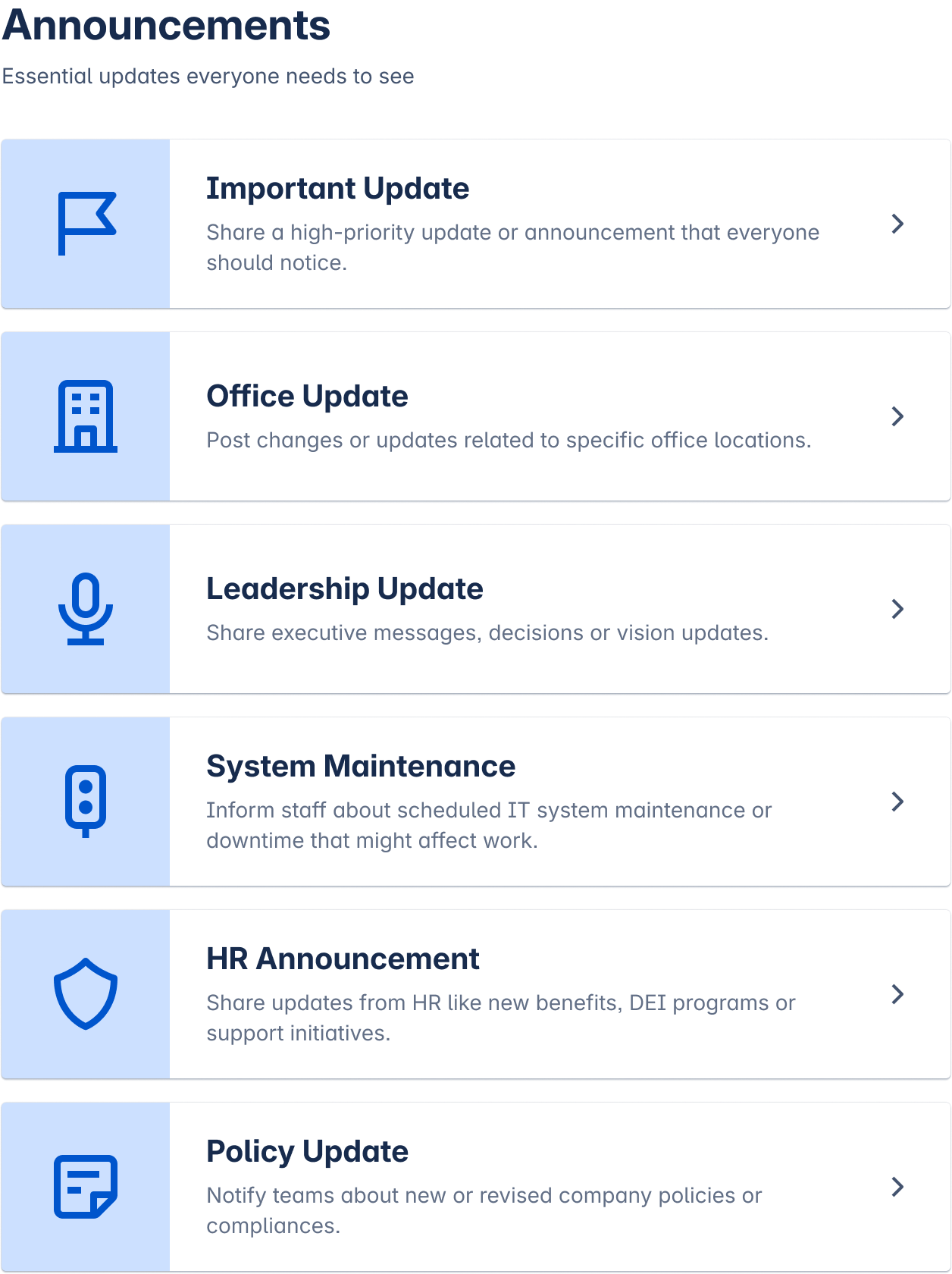
What you can post
-
Important update, for a notice with an action and a deadline.
-
Office update, for a move, a closure or a change to the workplace.
-
Leadership update, for a decision and what follows from it.
-
System maintenance, for a planned outage and its window.
-
HR announcement, for benefits, payroll and people processes.
-
Policy update, for a rule that changed and when it takes effect.
How the post behaves
-
The form asks for the deadline and the person to contact, so readers do not have to hunt for either.
-
Everyone with access to the site sees the post. A publisher can narrow the audience on the categories that allow it.
-
Every post has an end date. When it passes, the post closes itself and carries a Closed label, so an expired notice no longer reads as current.
-
Moderators named by a Confluence admin can edit, close or delete a post, and they leave a message saying why.
When to use another group
If readers have to turn up somewhere on a date, that is events. If nothing has to be done and the post only informs, that is company news. If it celebrates a person, that is recognition.
Template Library lists every category and its fields. Creating a Post covers the publishing steps.