
A recognition post names a colleague, says what they did, and lets everyone react, comment or message them without leaving Confluence.
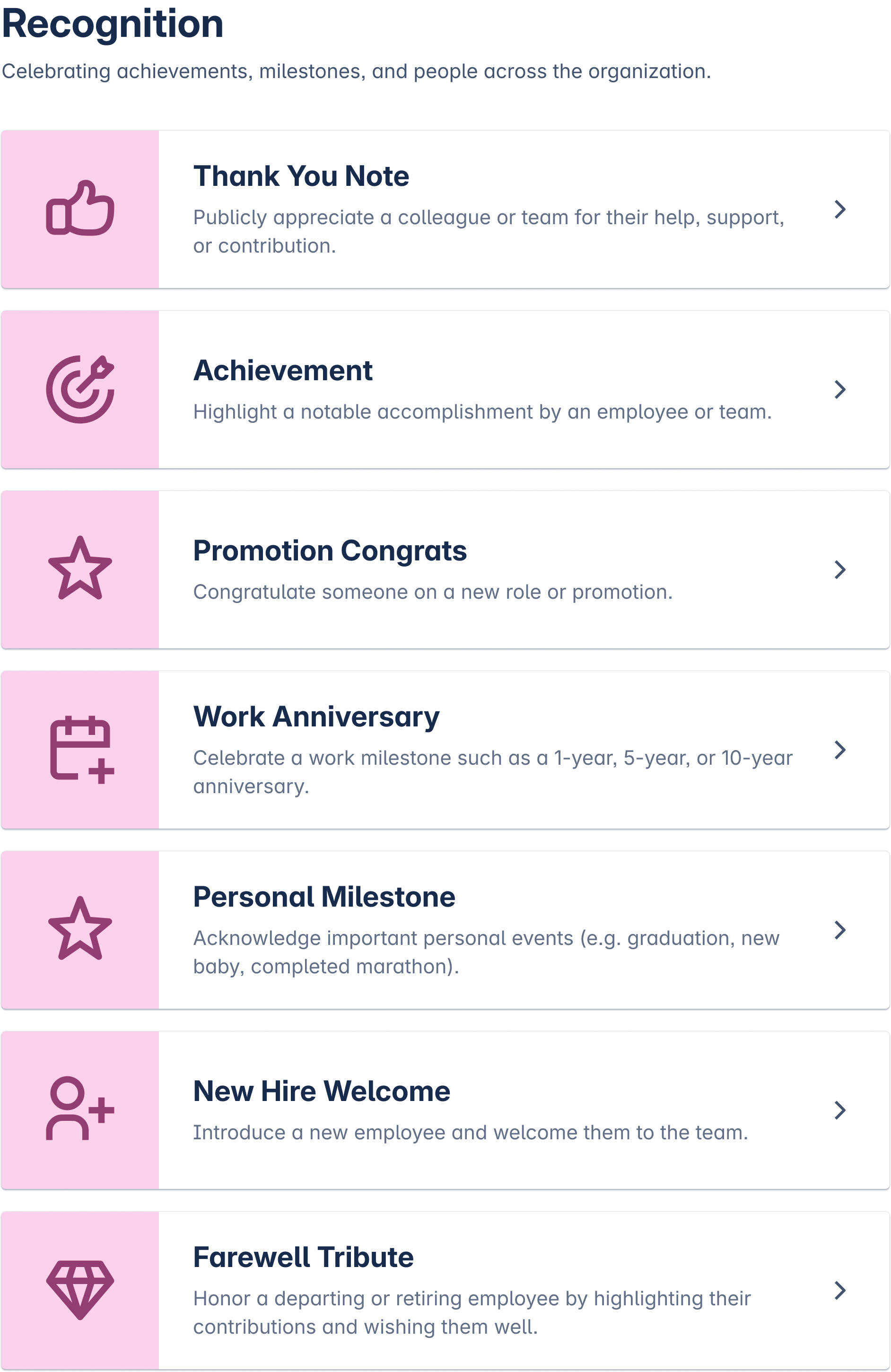
Recognition is one of the ten groups on the Team Hub board. Seven categories sit under it, and the one you pick decides which fields the post gets. Managers, HR and peers all publish here.
What you can post
-
Thank you note, for help someone gave you.
-
Achievement, for a result the whole company should see.
-
Promotion congratulations.
-
Work anniversary.
-
Personal milestone, such as a certification or a first conference talk.
-
New hire welcome, usually written by the manager or the team.
-
Farewell tribute, when someone leaves.
How the post behaves
-
The form shows a live preview of the card before you publish.
-
Readers react, comment, or open a private message to the person from the post itself.
-
Every post has an end date. When it passes, the post closes itself and keeps a Closed label on the board, and a status filter hides closed posts.
-
Moderators named by a Confluence admin can edit, close or delete a post, and they leave a message saying why.
When to use another group
An org-structure change belongs in announcements. A business result belongs in company news. Use recognition when the post is about the person.
Template Library lists every category and its fields. Creating a Post covers the publishing steps.