
Run a company news feed in Confluence: post launches, milestones and customer wins where staff already read, and let them react and comment.
News is the second of the ten groups on the Team Hub board. Internal communications, PR, project managers and leadership publish here. The point is to keep people informed, so a news post asks for attention rather than action.
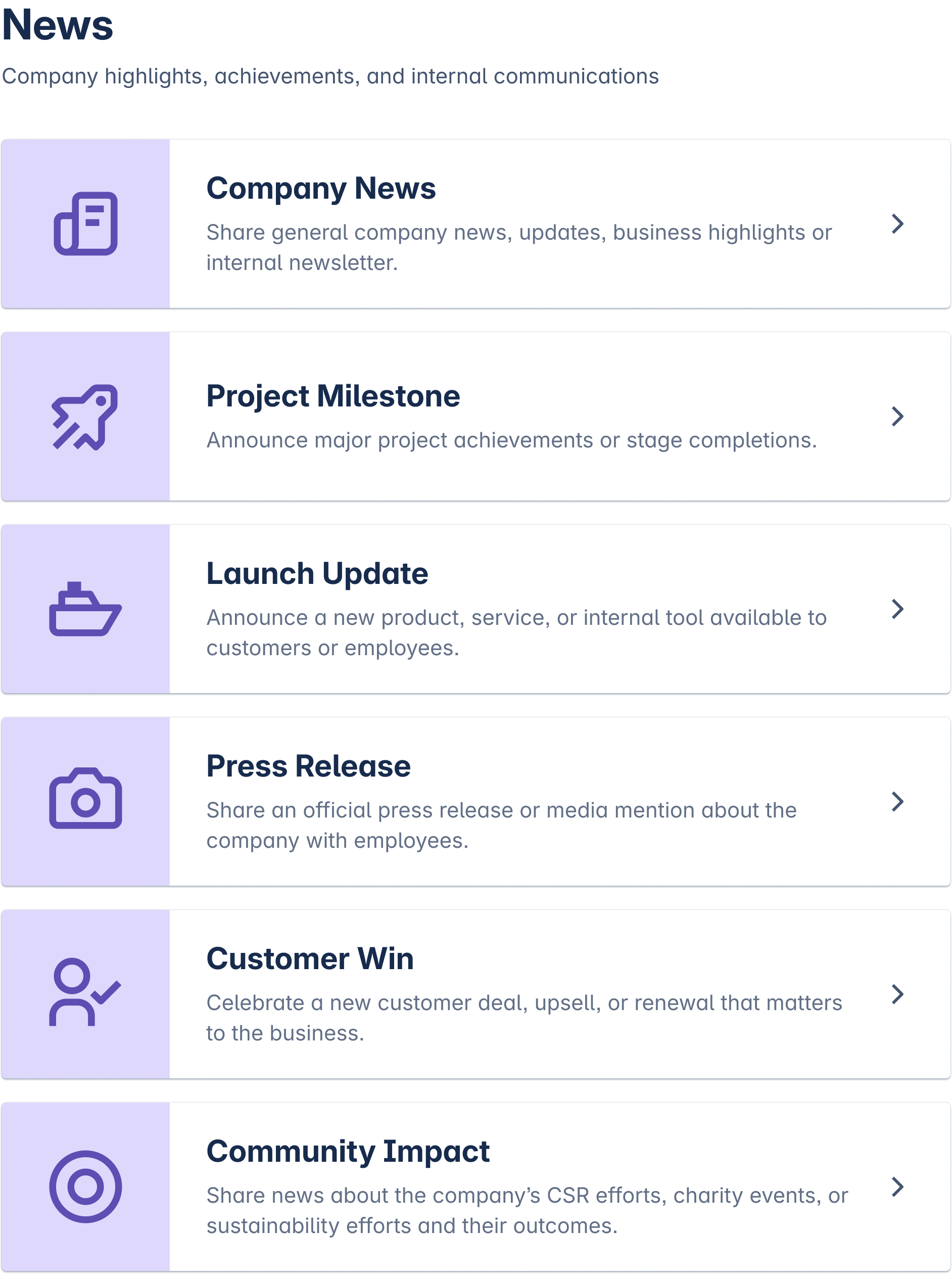
What you can post
-
Company news, for anything that affects the whole organisation.
-
Project milestone, when a project reaches a point worth telling others about.
-
Launch update, for a release and what changed with it.
-
Press release, for what went out publicly.
-
Customer win, for a deal or a reference worth sharing internally.
-
Community impact, for what the company did outside its own walls.
How the post behaves
-
Readers react and comment on the card. The publisher sees the responses in one place instead of in forwarded email threads.
-
Everyone sees the post by default. A department can narrow who it reaches.
-
Every post has an end date. Old news closes itself and carries a Closed label, and a status filter keeps the feed to what is still open.
-
Moderators named by a Confluence admin can edit, close or delete a post, and they leave a message saying why.
When to use another group
A post with an action and a deadline is an announcement. An all-hands with a join link is an event. Working notes a team keeps for itself belong in team collaboration.
Template Library lists every category and its fields. Creating a Post covers the publishing steps.