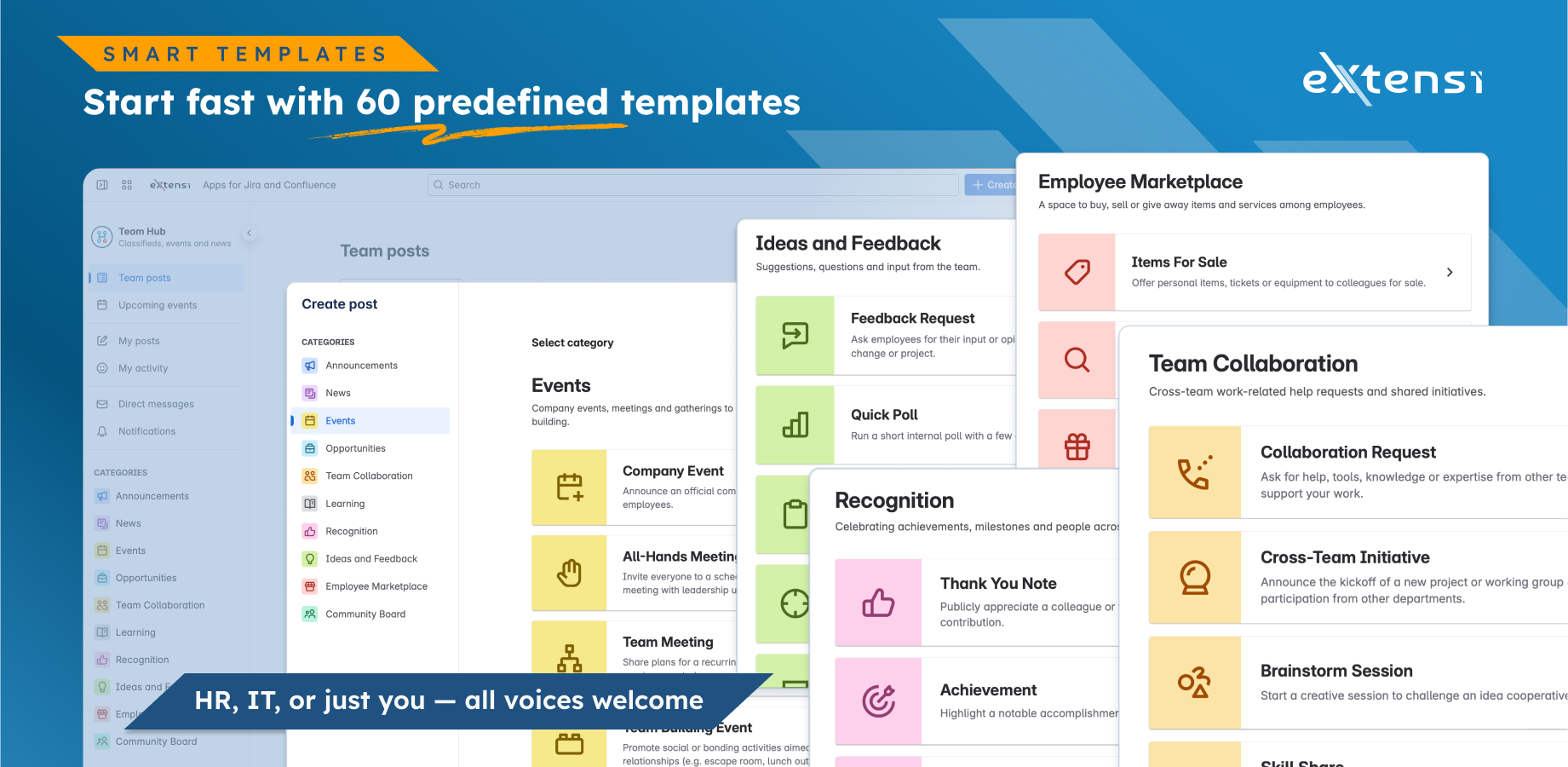
Every post type in Team Hub is built on a template, designed to guide you with the right fields, structure, and options. Templates ensure consistency across the organization while leaving room for personalization.
🎯 Purpose of the Library
-
Clarity – Know exactly what type of post to use for each situation.
-
Speed – Create posts faster with pre-defined fields and layouts.
-
Consistency – Keep communication structured and professional.
-
Engagement – Use the right template to spark interaction and responses.
📂 Main Categories
Each template belongs to one of the main post categories. Explore them below:
-
:Announcment: Announcements - System alerts, executive updates, policy changes.
-
🚀 News - Team updates, customer wins, competitor insights.
-
Events - Company gatherings, volunteer events, holidays, conferences.
-
Opportunities - Job openings, project requests, internships.
-
Team Collaboration - Brainstorms, skill shares, cross-team initiatives.
-
Learning - Trainings, certifications, mentorship programs.
-
Recognition - Peer thanks, achievements, anniversaries, shout-outs.
-
Ideas & Feedback - Polls, surveys, idea voting, naming contests.
-
Employee Marketplace - Items for sale, giveaways, lost & found.
-
Community Board - Hobbies, wellness, local tips, cultural events.
🔍 How to Use the Library
You can explore this library in two ways:
-
By Category - Open a main category page (e.g., Events) to see all its templates.
-
By Template - Dive into detailed subpages for each template, where you’ll find:
-
📖 Purpose - Why use this template
-
📝 Example Post - Sample content
-
🎯 Use Cases - Scenarios where it fits best
-
👥 Target Audience - Who will benefit most
-
The categories here are part of Team Hub for Confluence, the board they publish to.
If you are still deciding whether a board is the right shape for this, how to build a noticeboard in Confluence compares it with blog posts and with Company Hub on Premium.