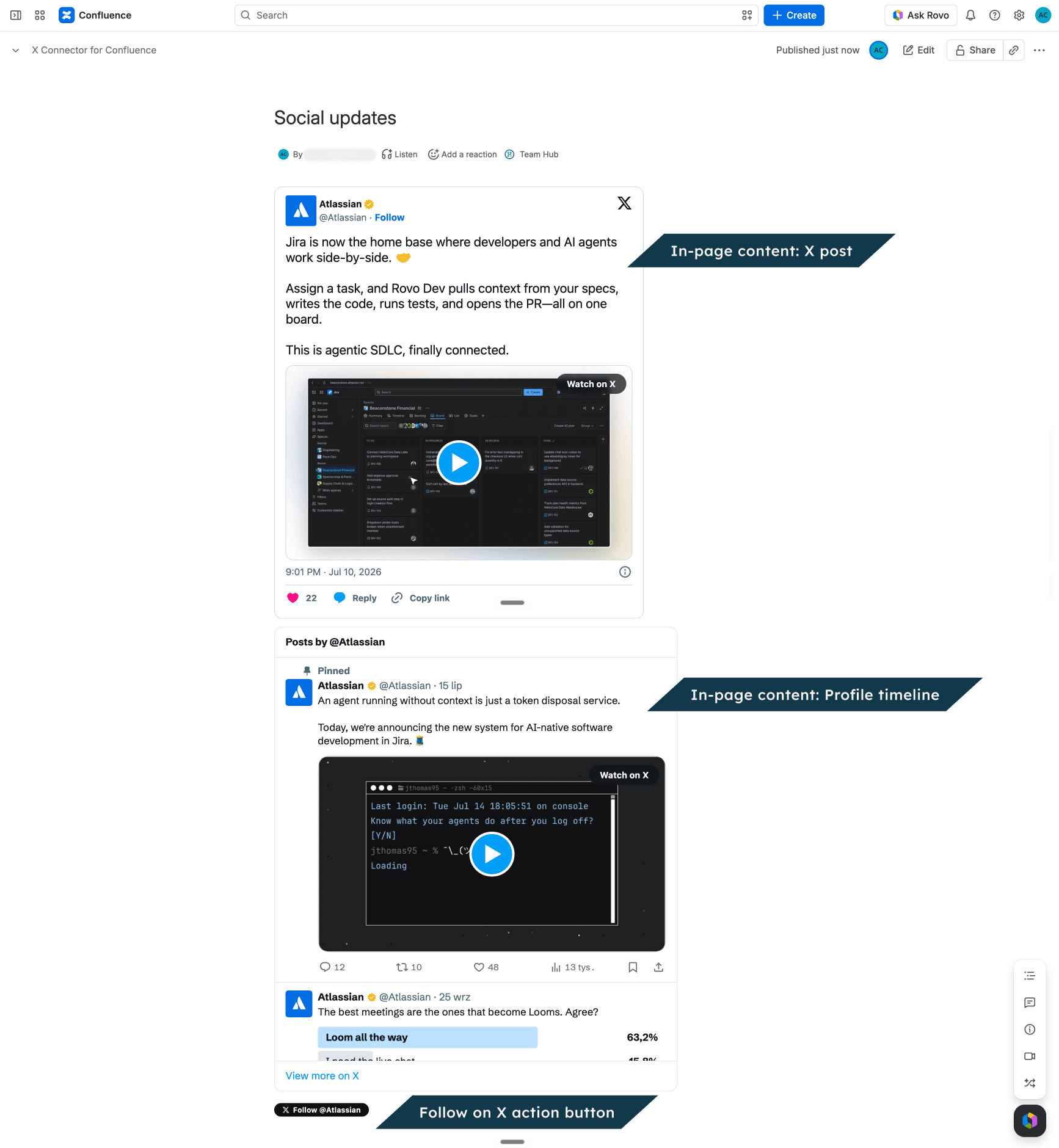
Read X posts, watch videos and browse timelines on any page you can open. This works for guests and for people who are not logged in too. You do not need an X API key. Your admin may need to connect one for profile and List posts.
What can I do?
|
On the page |
What happens |
|---|---|
|
Post, video or broadcast |
Read or play it on the page, if X makes it available. |
|
Profile or List timeline |
Scroll through available posts. New posts appear after the timeline refreshes; it is not live. |
|
Share, Follow, Mention, Hashtag or Message button |
Confirm that you want to open X, then finish the action there. You may need to sign in. |
The app does not post, follow or send messages for you. A Hashtag button starts a post draft. It does not show posts with that hashtag.
If an embed does not load
-
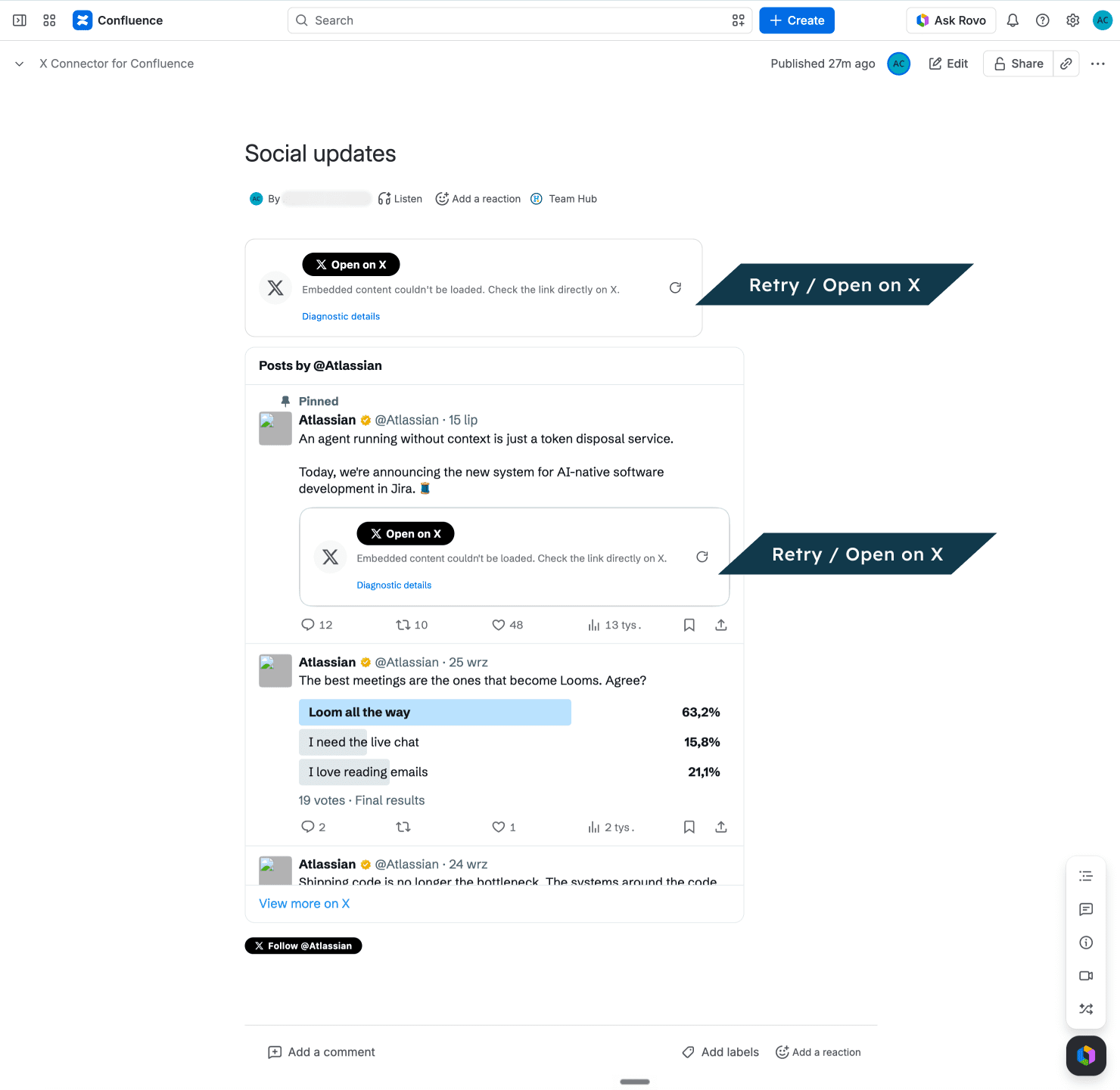
Use Try again if the content offers it.
-
If the page offers an X link, open it. The source may have been removed or made private there too.
-
If X API credits have run out, contact your Confluence admin. If it still fails, send the page URL and X link to Get support.
X controls whether you can see its content. The app may show old timeline posts while it tries to load new ones.
You may see a note that the app subscription is inactive. If so, tell your admin.
Language and appearance
The app uses your Confluence light or dark theme for the parts it controls. X sets the look of its players. Labels may use your Confluence language or the language the editor chose. Posts and speech stay in their source language.