
Publish a Team Hub post in Confluence now or schedule it for later. Both set the closing date at the same time, and the dates can be changed afterwards.
Every post carries a publication date and a closing date, and the publish step is where both are decided.
Previewing before you publish
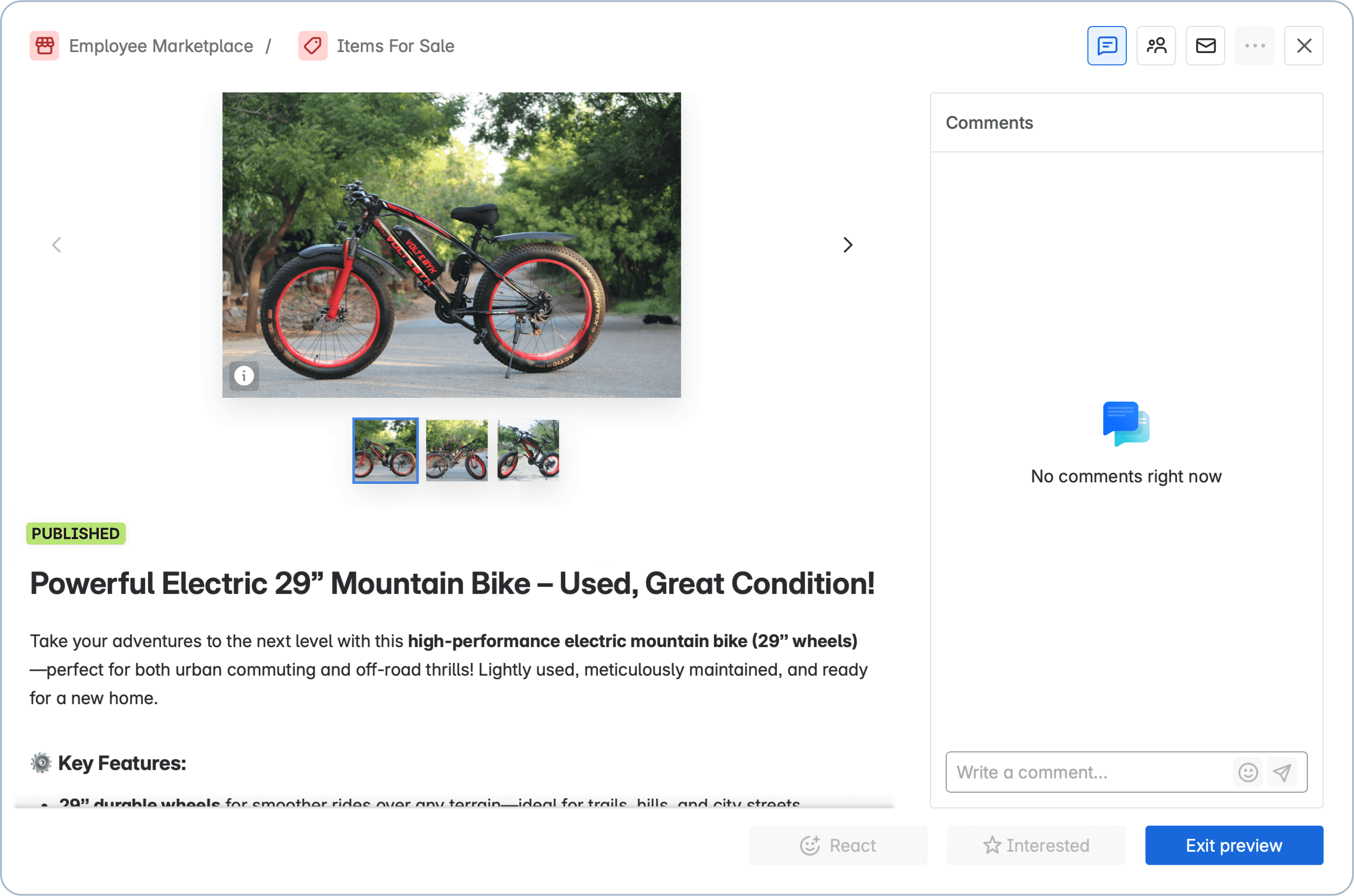
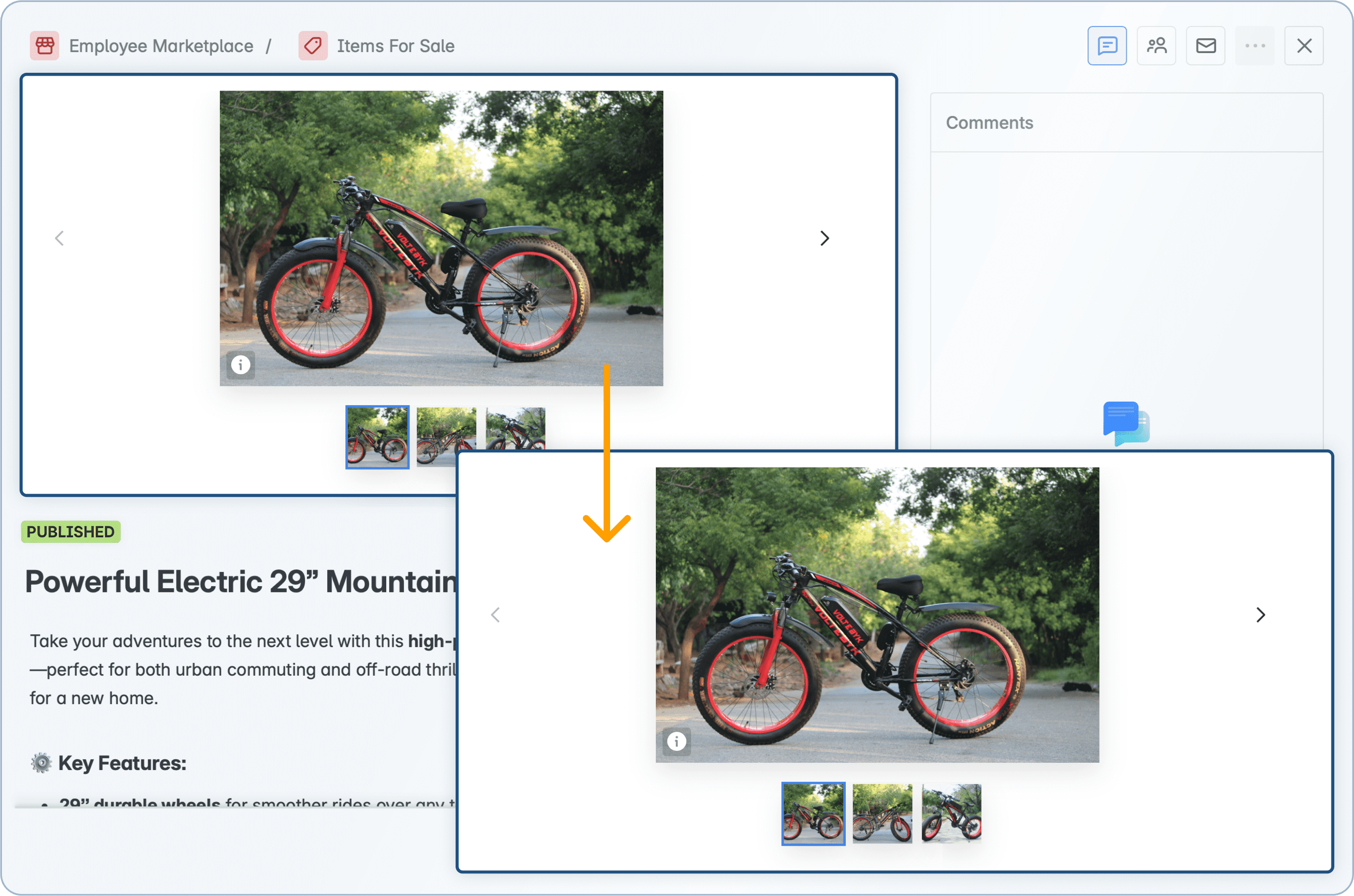
Before publishing, preview your post to see how it will look in the feed.
-
The preview shows your title, description, category, and gallery exactly as teammates will see it.
-
Use this step to polish layout and confirm media looks correct.
Publishing now
The publish modal puts both dates in front of you before anything goes live. Publication date defaults to Immediately, and Closes shows the expiry twice, as a relative duration and as an absolute date and time, so you can see what you are agreeing to.
Confirm with Publish now. The message that follows says the post is live and when it will expire, and offers View post and Copy link. Going live and ageing out are one decision rather than two.
Scheduling for later
Put the publication date in the future and the same action schedules the post instead of publishing it. The modal reads Schedule publication and shows the date and time, and the confirmation repeats them. A start date more than a year ahead is refused.
A scheduled post keeps its own set of actions in the post menu: Publish now, Reschedule, Move to drafts and Delete. Cancelling a scheduled publication moves the post to drafts after a confirmation, and the message afterwards links into the draft.
Changing the dates afterwards
Reschedule works on both states and does something different in each:
-
On a published post it changes the closing date.
-
On a scheduled post it changes the publication date and time.
Date fields show the absolute date together with a relative badge, so a window reads as both Thu, Jan 17 at 4:00 PM and IN 30 DAYS, with the timezone where it matters. Editing the body of a published post leaves the dates alone: the start date is read only and a plain save does not touch the window. Editing existing posts covers that form.
When the closing date passes
The post closes itself and keeps a Closed label on the board, so nobody has to tidy up by hand. A status filter hides closed posts for readers who only want what is open, and Reopen puts a closed post back. See Closing and reopening posts.
To keep a post going past its date without republishing it, use Keep in the post menu. Managing My Posts lists your published, scheduled, draft, closed and deleted posts side by side.