
My Activity in Team Hub gathers what you joined, were invited to, reacted to, bookmarked or posted yourself, so nothing in the feed gets lost.
What you’ll find here:
-
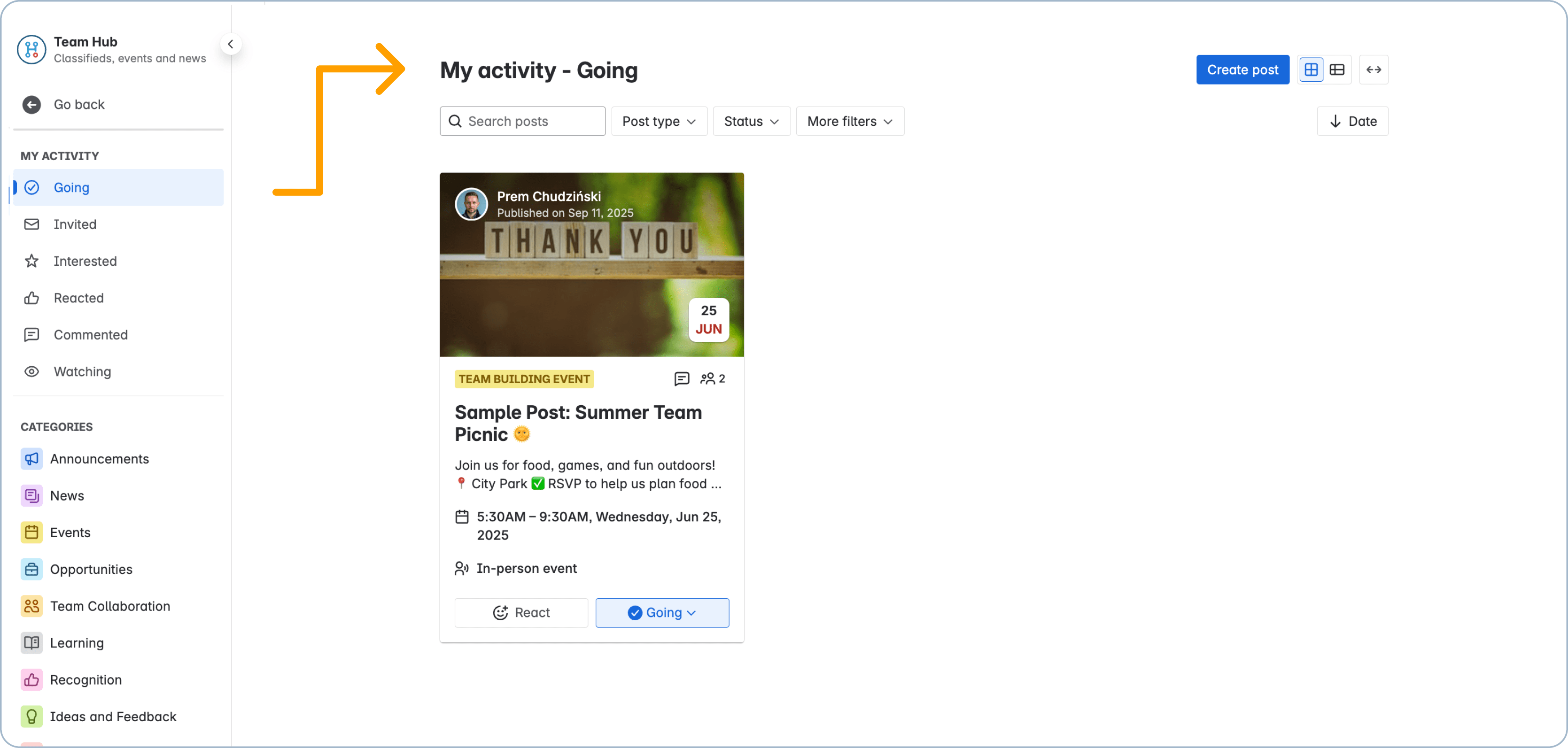
Going – Events you’ve confirmed attendance for.
-
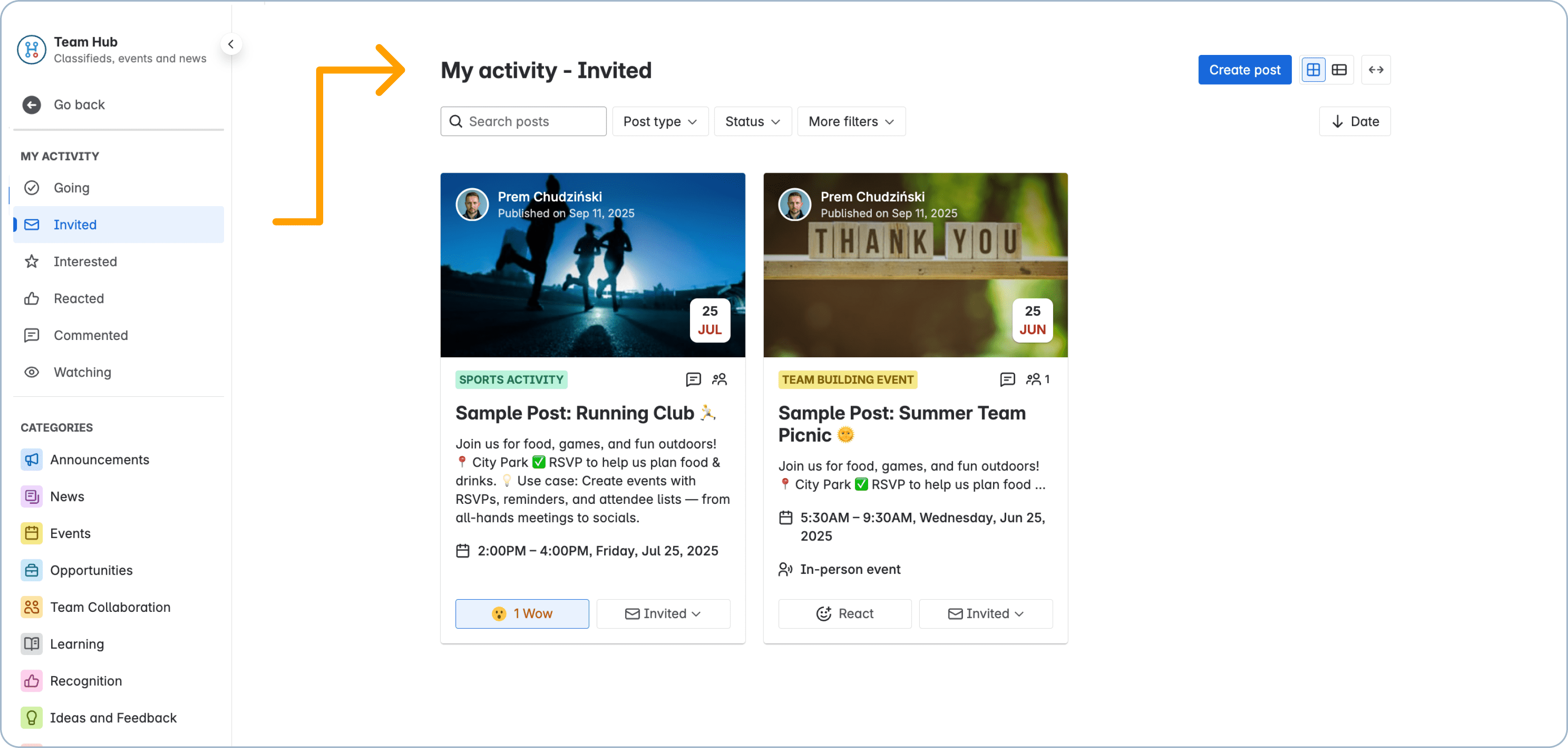
Invited – See all posts and events where you’ve been invited.
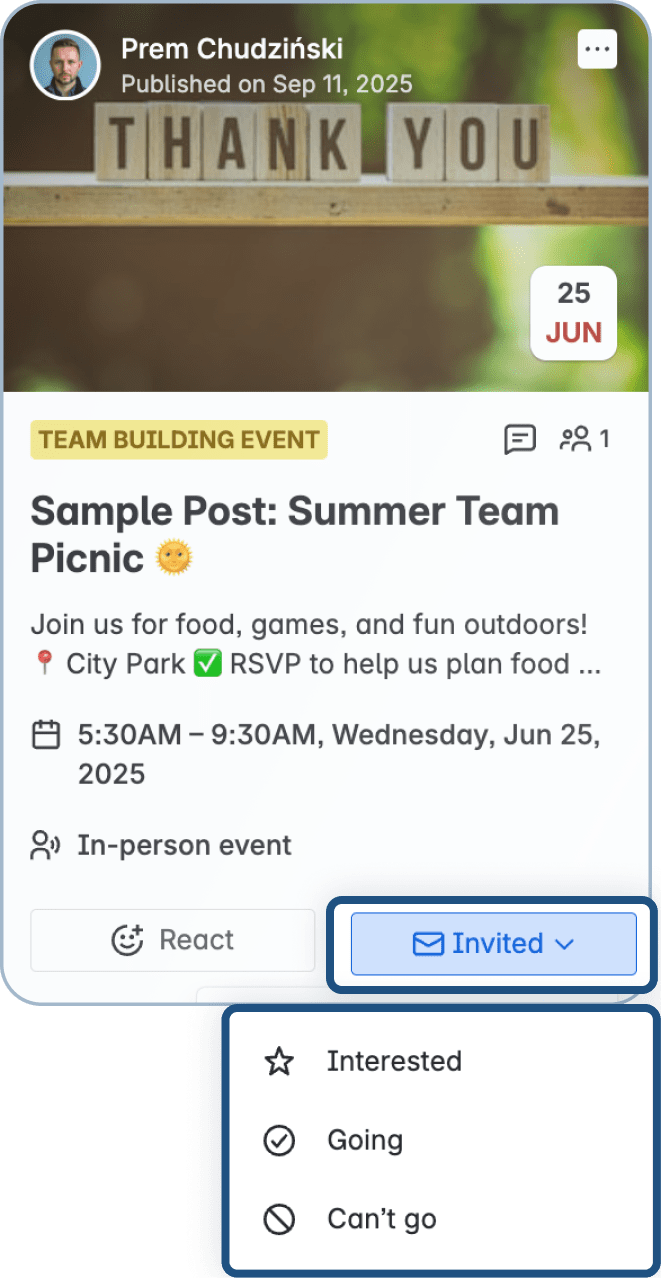
You can RSVP instantly with options: Interested, Going, or Can’t go.
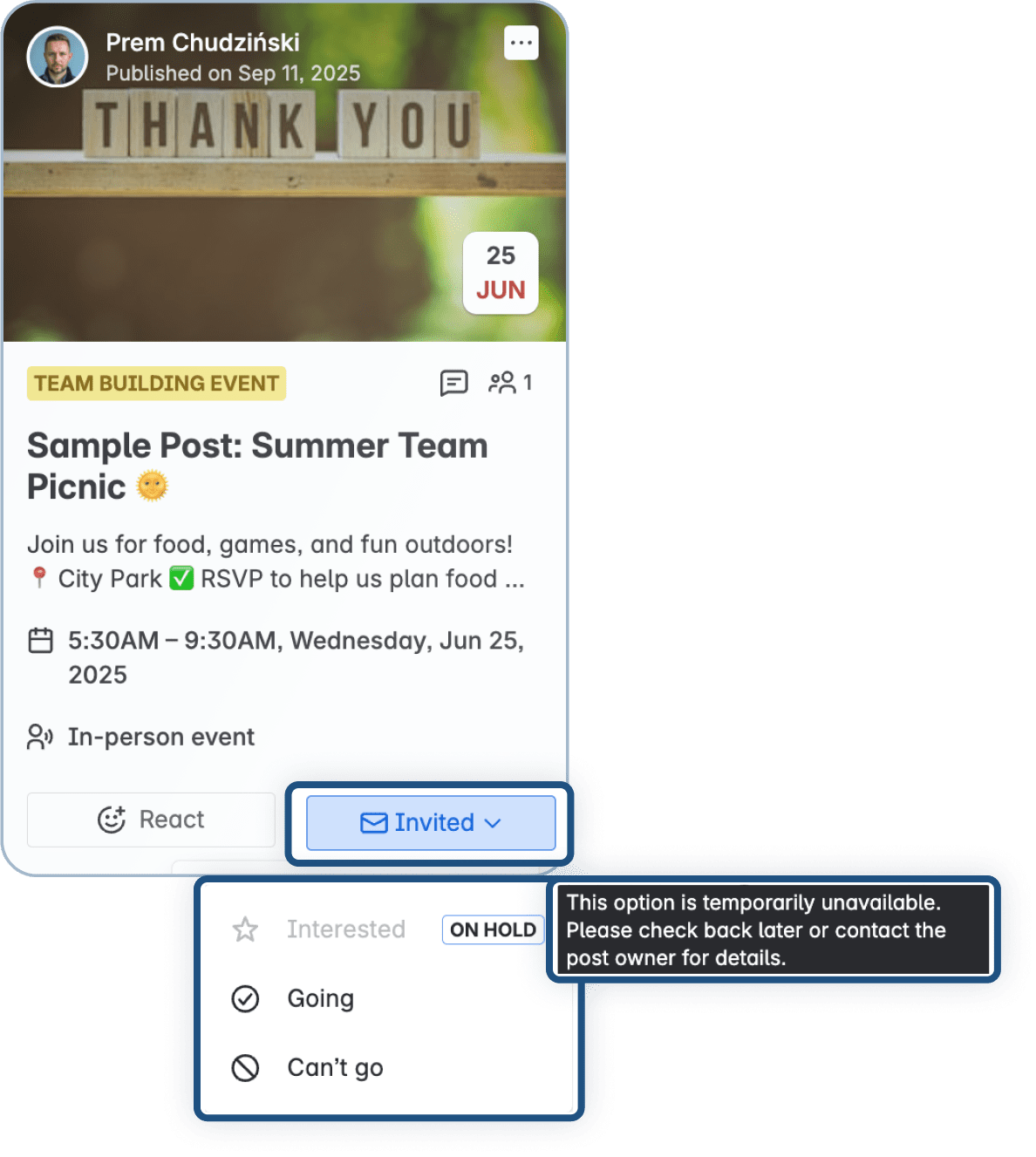
If an option is unavailable, you’ll see it marked as On hold.
-
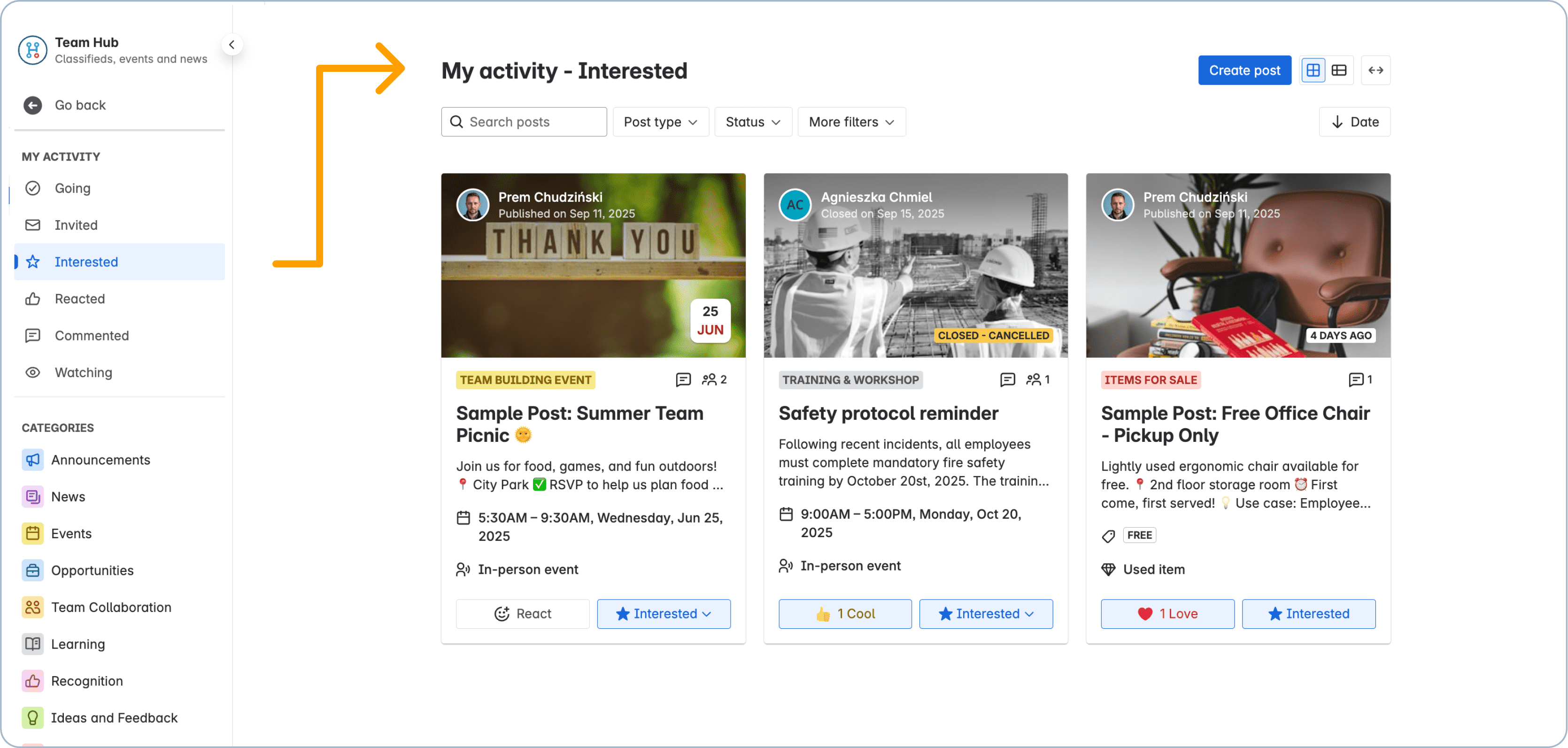
Interested – Posts or events you’ve marked to follow without committing.
-
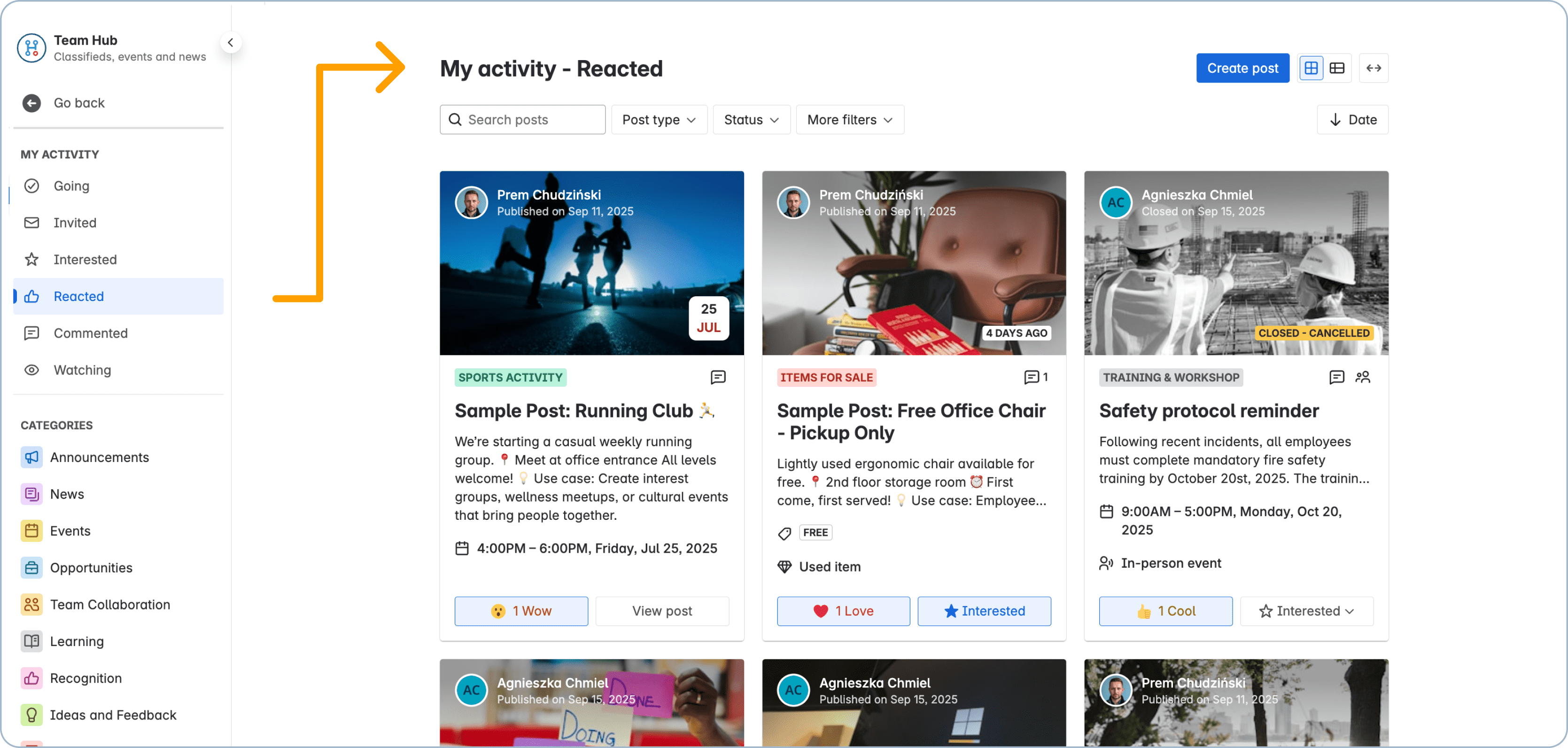
Reacted – Posts where you’ve added a like, emoji, or other quick reaction.
-
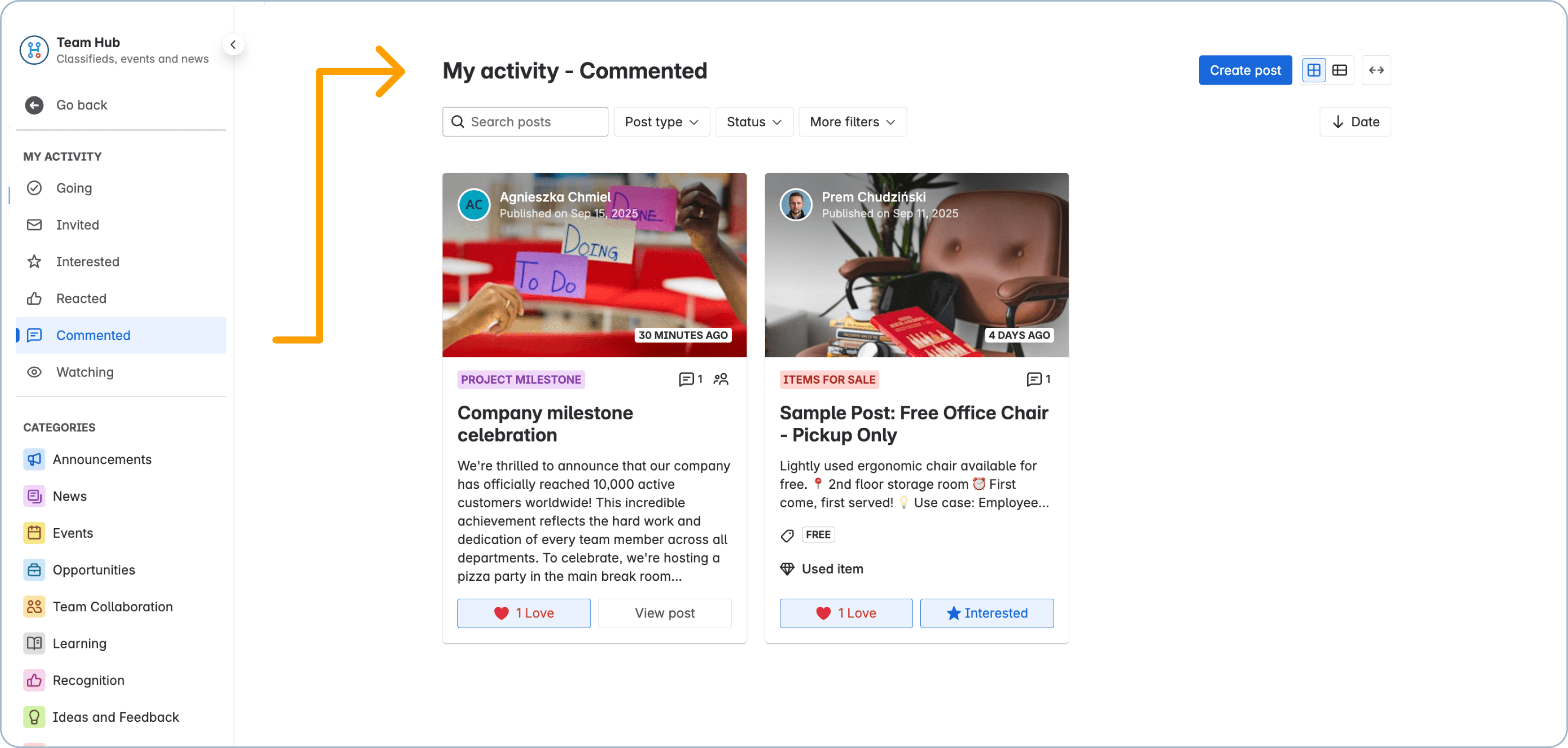
Commented – Posts where you’ve contributed to the discussion.
-
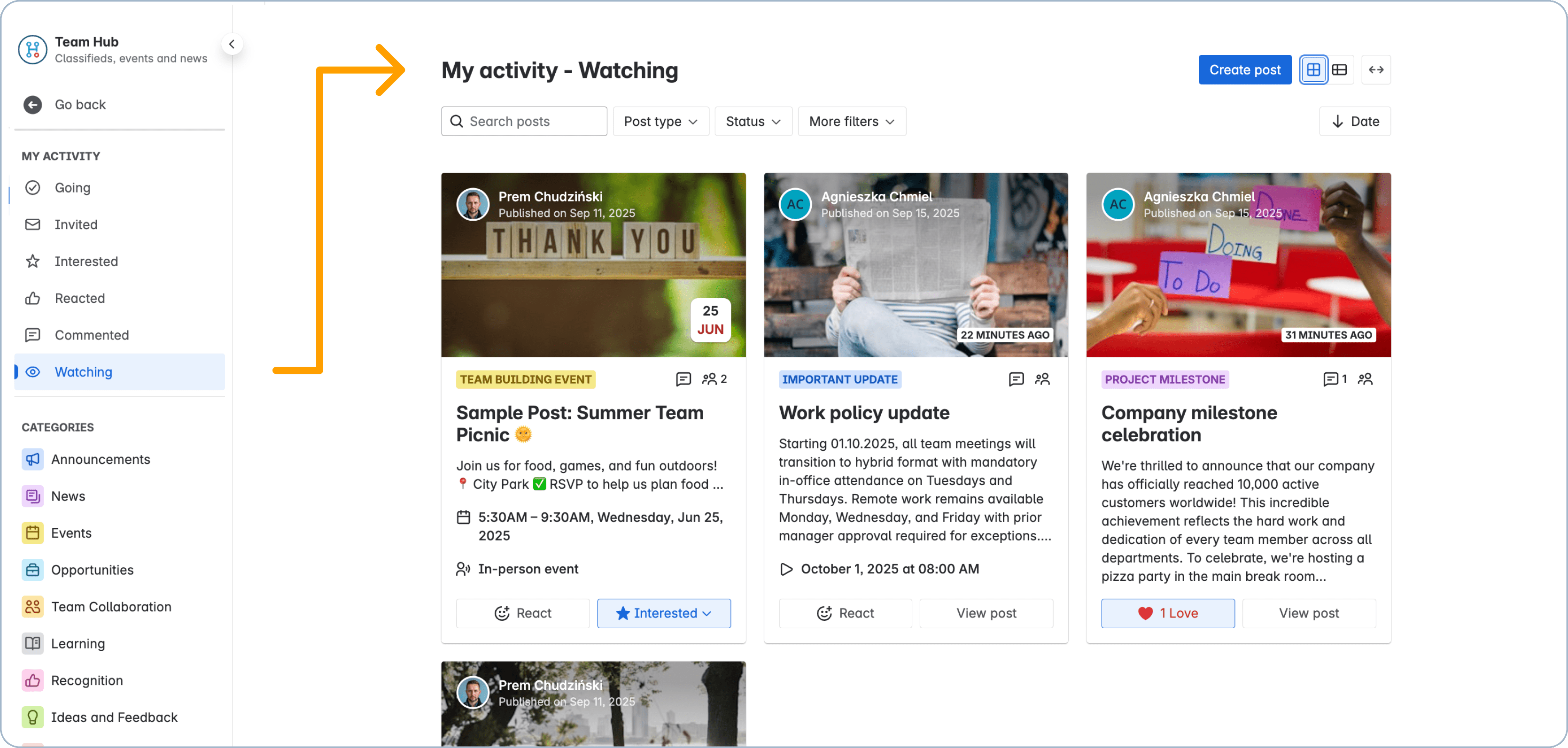
Watching – Posts you’ve chosen to actively follow for updates.
Quick actions
-
Filter and search within each section to find posts faster.
-
Change your RSVP or reaction directly from the card.
About the app
Team Hub for Confluence adds a noticeboard to a Confluence site: one board for news, events, jobs and classifieds, where every post has an end date. It installs from the Atlassian Marketplace.