
What Agile Tools and Filters adds to a Jira board: a search bar, saved filters at three levels, panel filtering, column groups and bulk actions.
“Manage complex product Backlogs and Agile Boards in an efficient manner and deliver value much faster.”
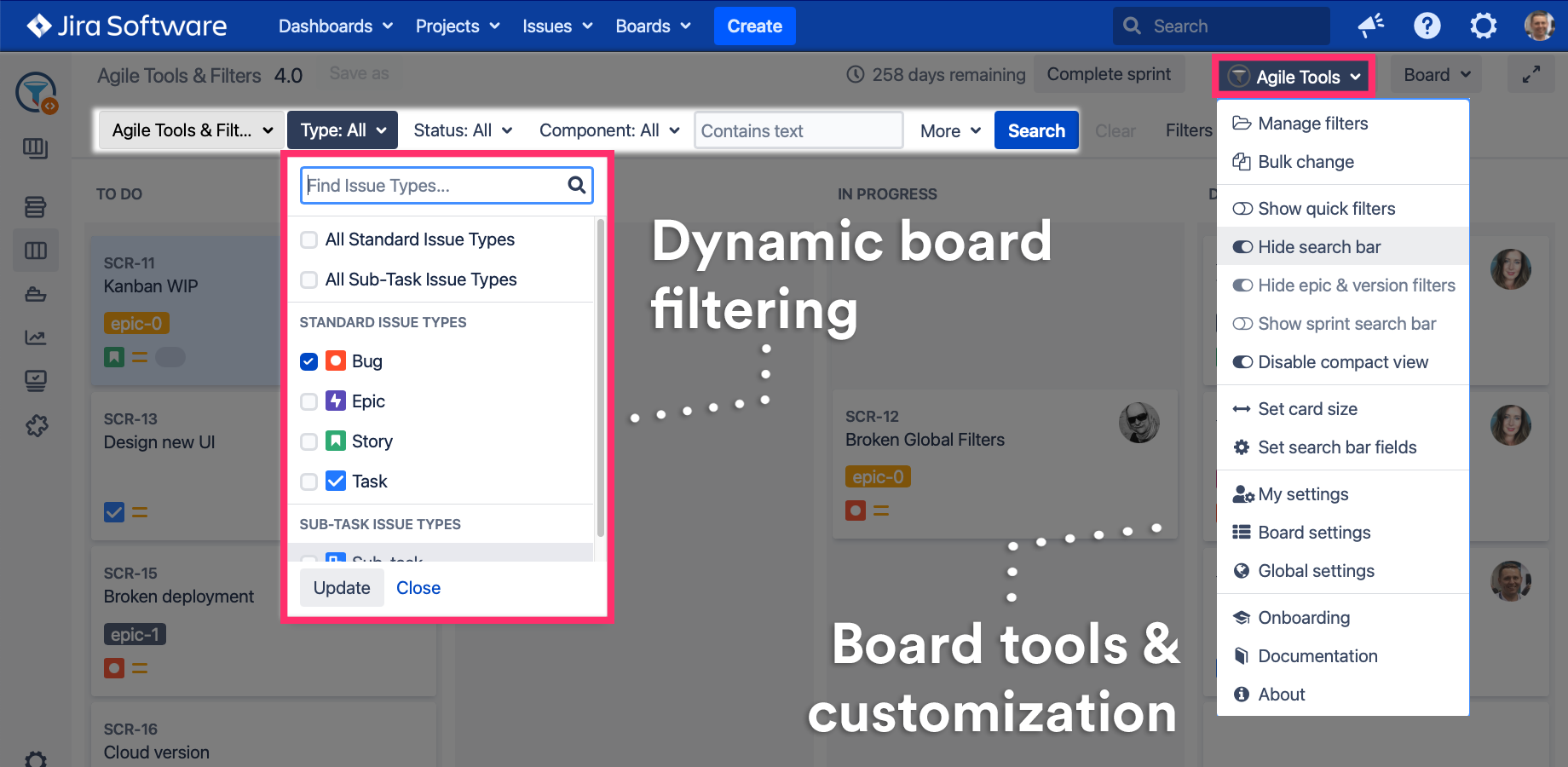
Agile Tools & Filters for Jira Software extends the original Kanban or Scrum boards and backlogs by adding tools like JQL SearchBar planning filters and many other tools.
Key features
See the video for a quick overview
User & admin guide
Find your Use Case
Searching on board & backlog
-
As a User I’d like to filter the board using a SearchBar instead of Quick Filters to find tasks
-
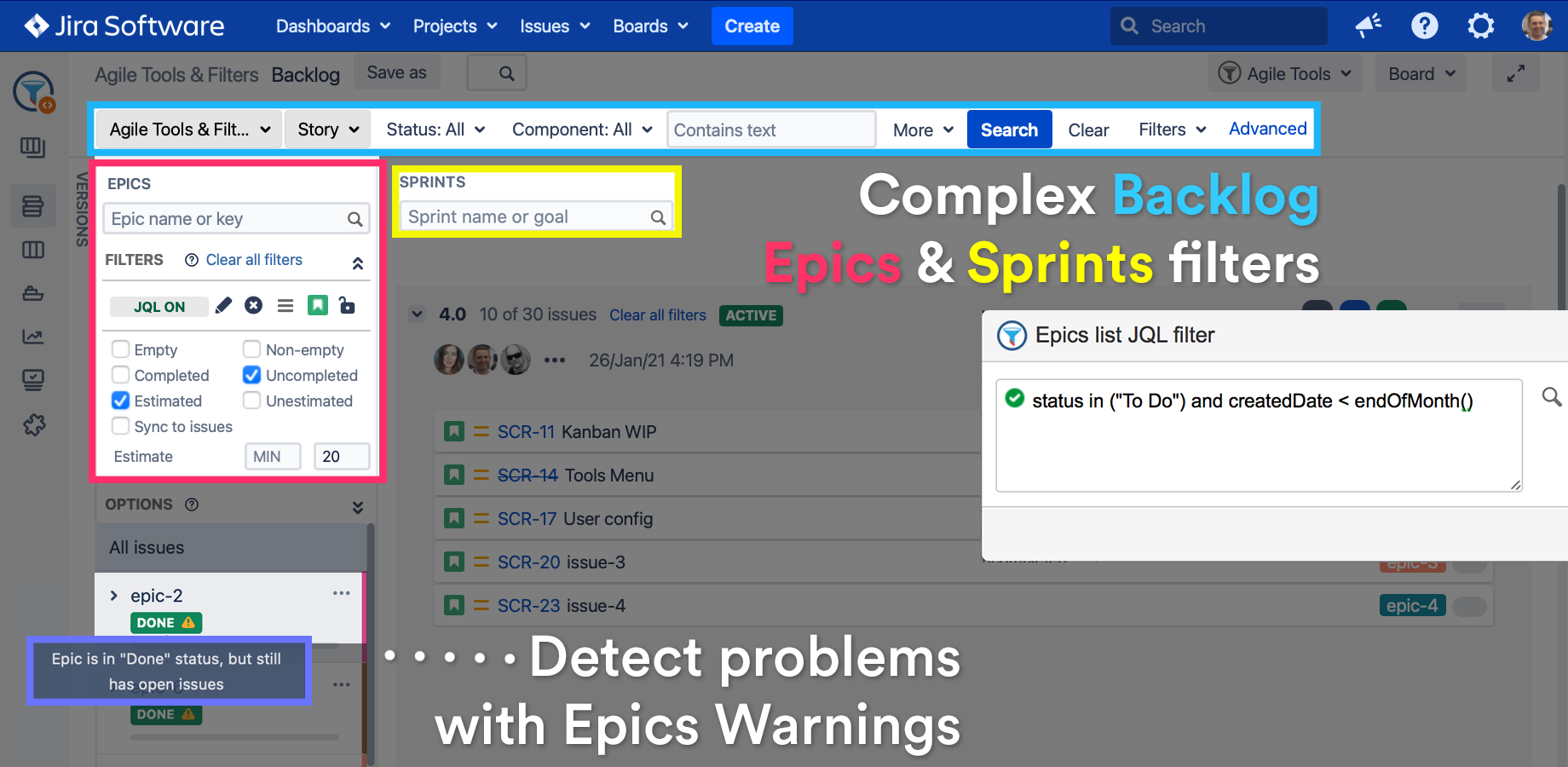
As a Scrum Master I’d like to filter Epic panel on the backlog using JQL to unclutter the Epic list
-
As a Scrum Master I’d like to filter out whole Sprints by sprint name to focus on the current one
Planning & organising
-
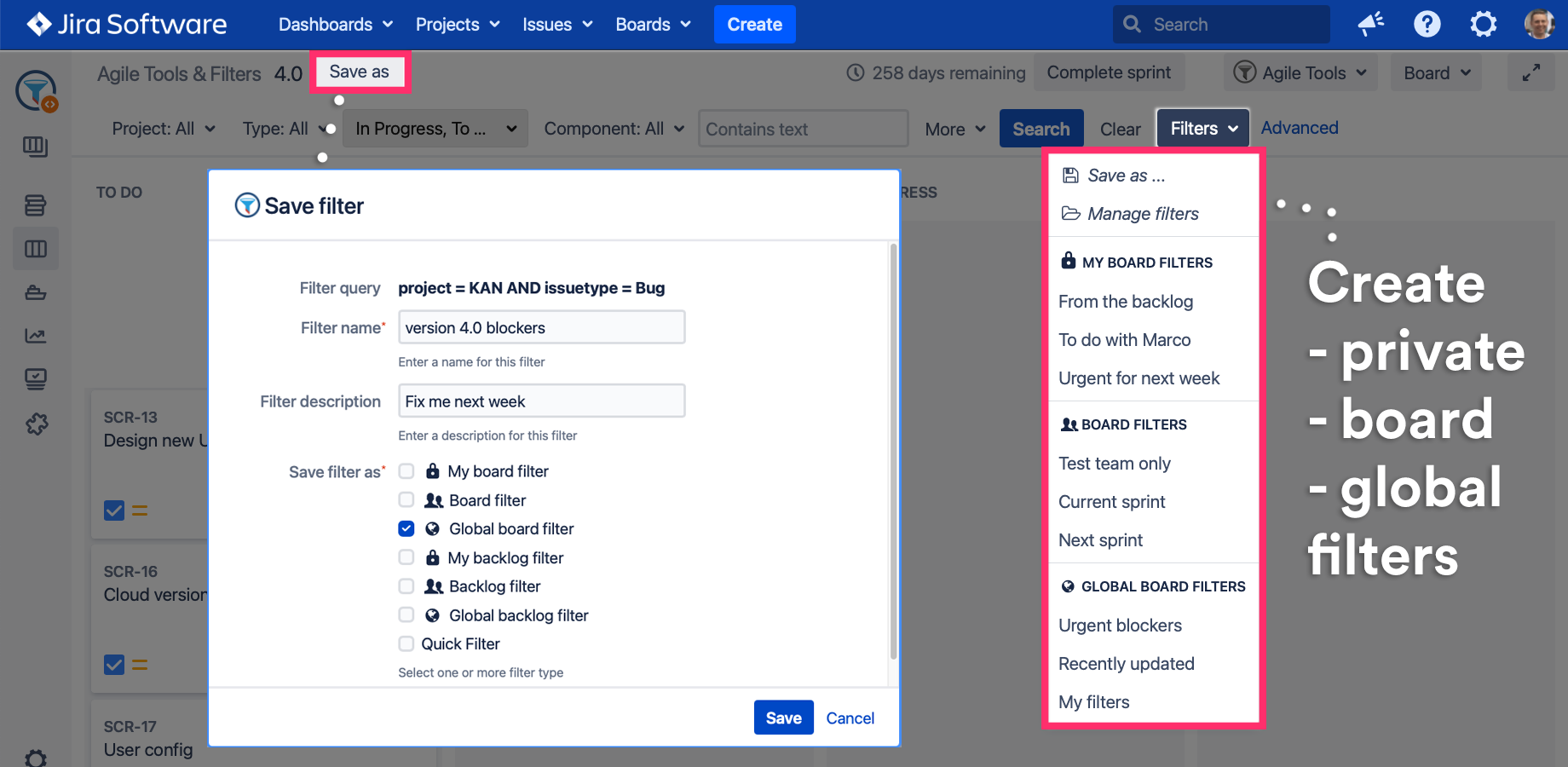
As a User I’d like to create my own set of private board filters not visible to others
-
As a Scrum Master I’d like to prepare Epic panel filters for a faster Sprint planning sessions
-
As a Scrum Master I’d like to print unprinted cards only with Agile Cards to save time and paper
-
As a Scrum Master I’d like to see “Closed” Epics having open issues to fix my Agile Process
Configuring the look & feel of a board
-
As a User I’d like to configure the default SearchBar fields you’d like to see by default
-
As a Board admin I’d like to customise the look & feel of the board for the team
Managing my, board or global filters
-
As a Jira admin I’d like to create a set of default board filters for all Jira users
-
As a Board admin I’d like to import, clone or export filters between boards
This documentation covers Agile Tools and Filters for Jira: board and backlog filters, a JQL search bar, saved filters, WIP limits and bulk change, all on the board itself. The app installs from the Atlassian Marketplace.